
Workouts & health
Strength workouts & routines
Track exercises and sets, then reuse the workouts you like.
Workout → Start workout
On this page
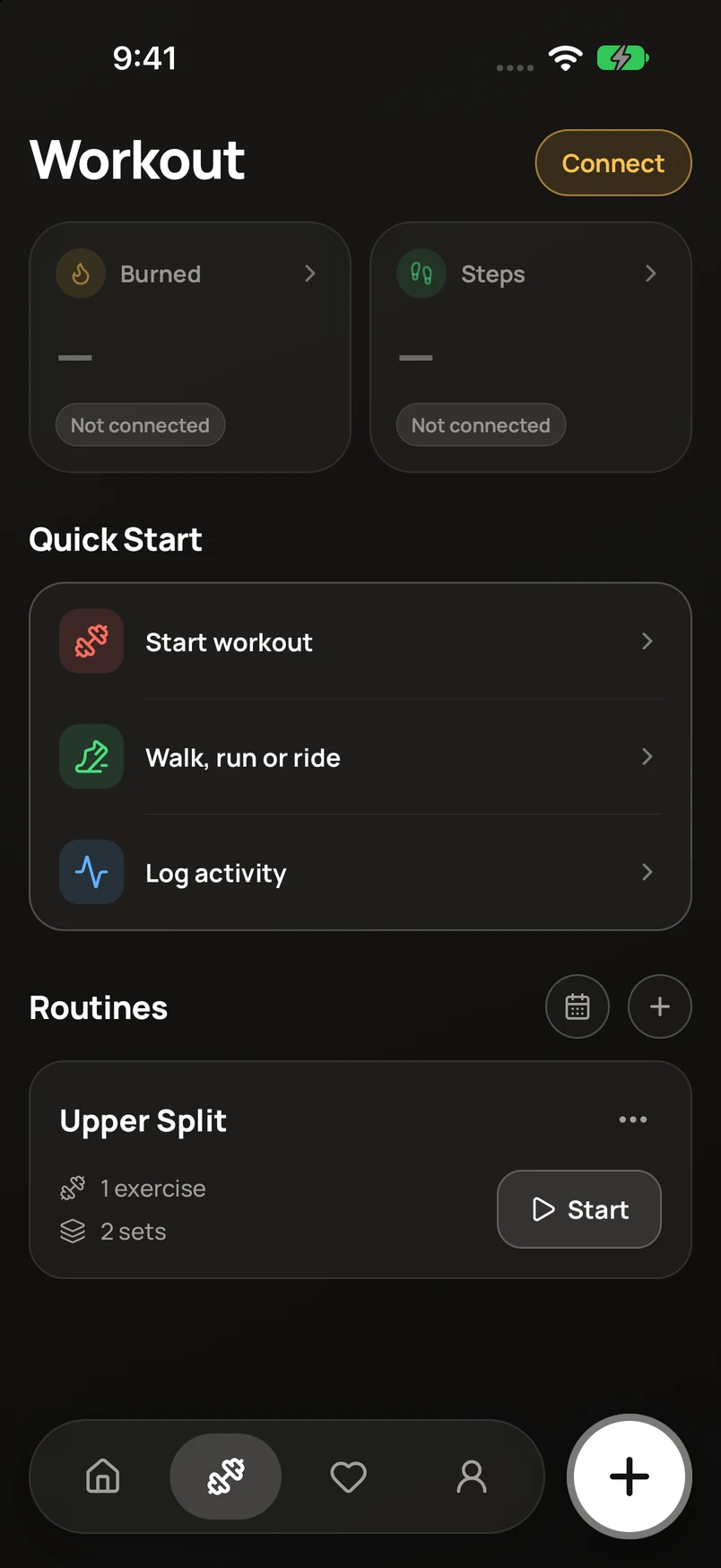
Start a session
- Open Workout and tap Start workout.
- Add exercises from the exercise picker. Enter the appropriate weight, reps, or duration for each set.
- Mark sets complete as you go. Use the exercise options to adjust rest, reorder exercises, or set up supersets.
- Finish the session, review the summary, and save.
Build a routine
Tap + beside Routines to create a reusable workout. You can also save a completed workout as a routine. Use a routine’s options to edit, share, duplicate, or delete it.