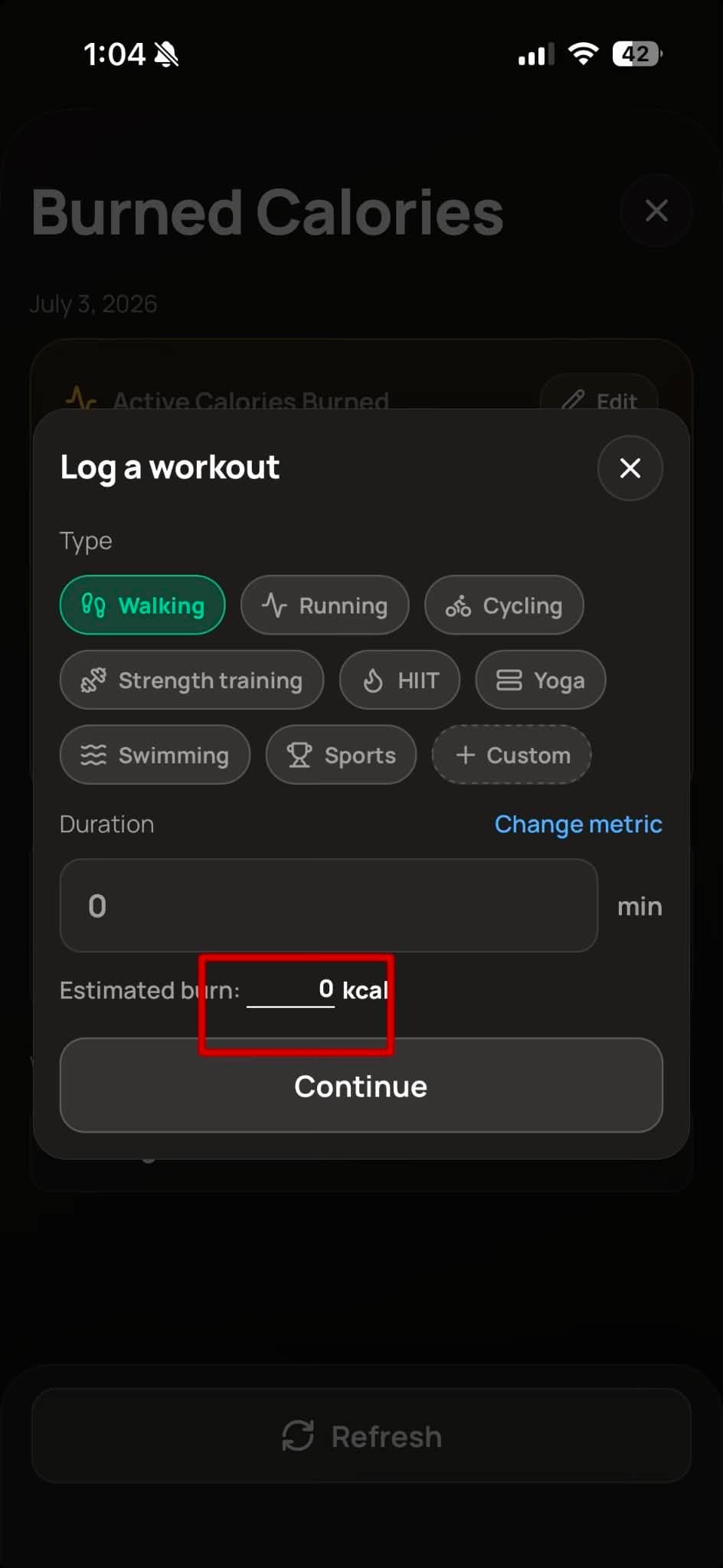
Log a custom workout
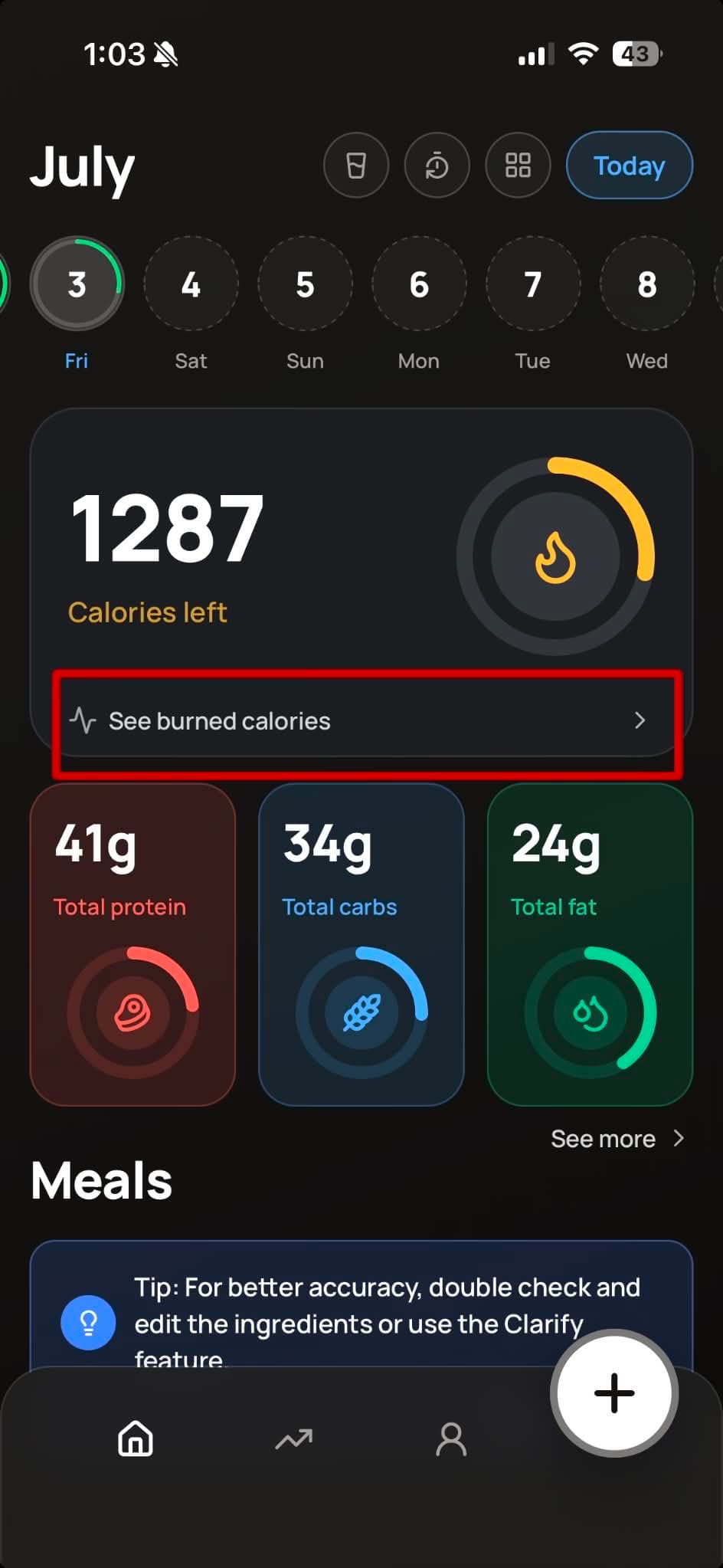
- Open the Workout tab, then tap Log sport / activity.
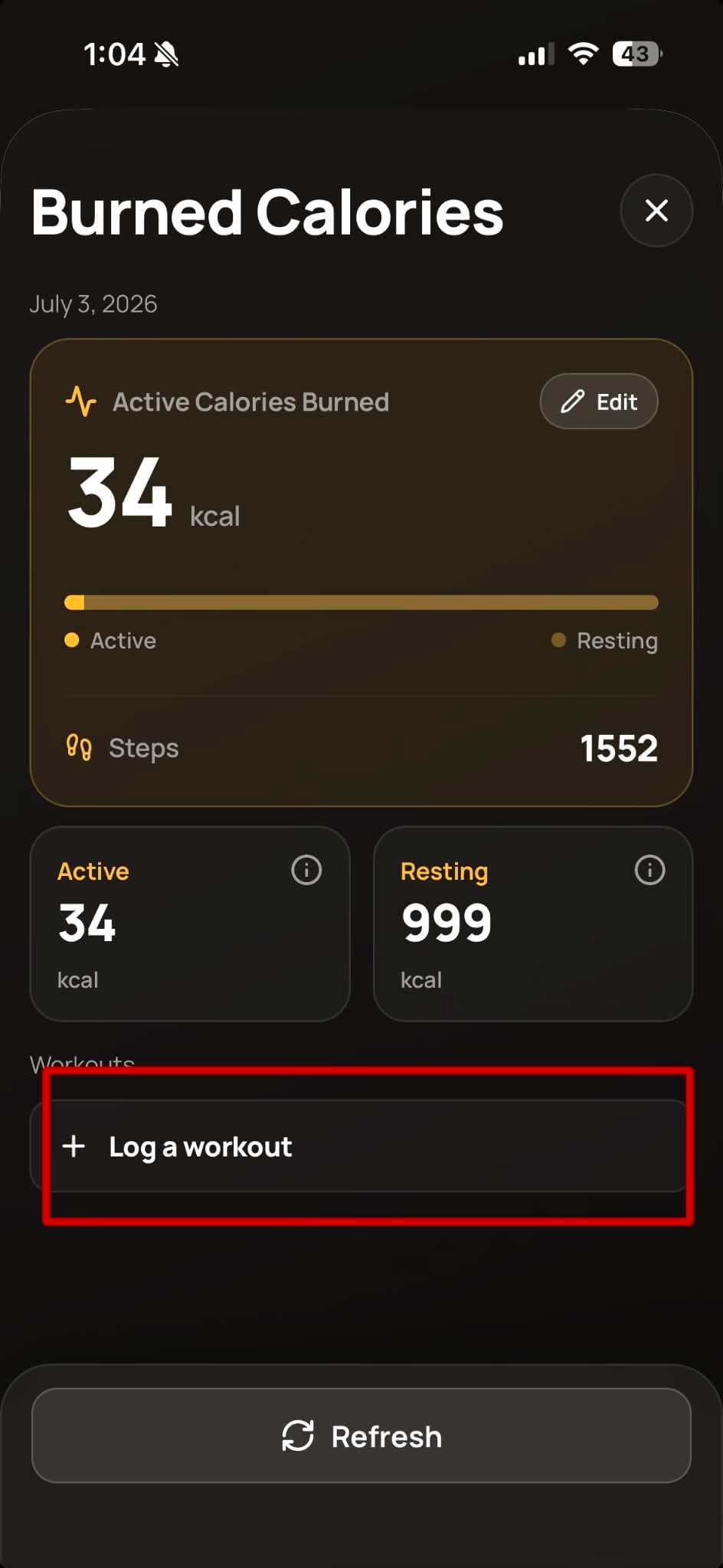
- Next, tap "Log a Workout".
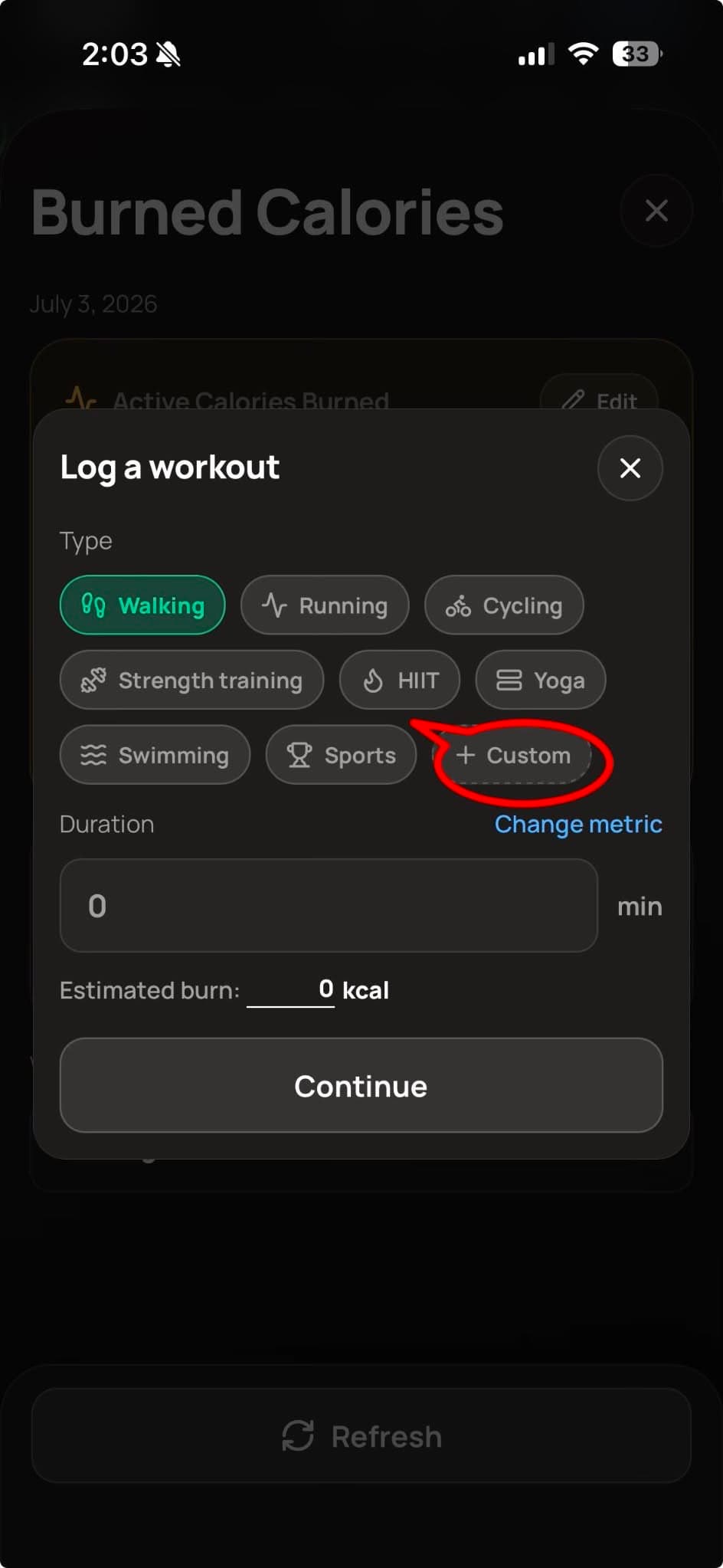
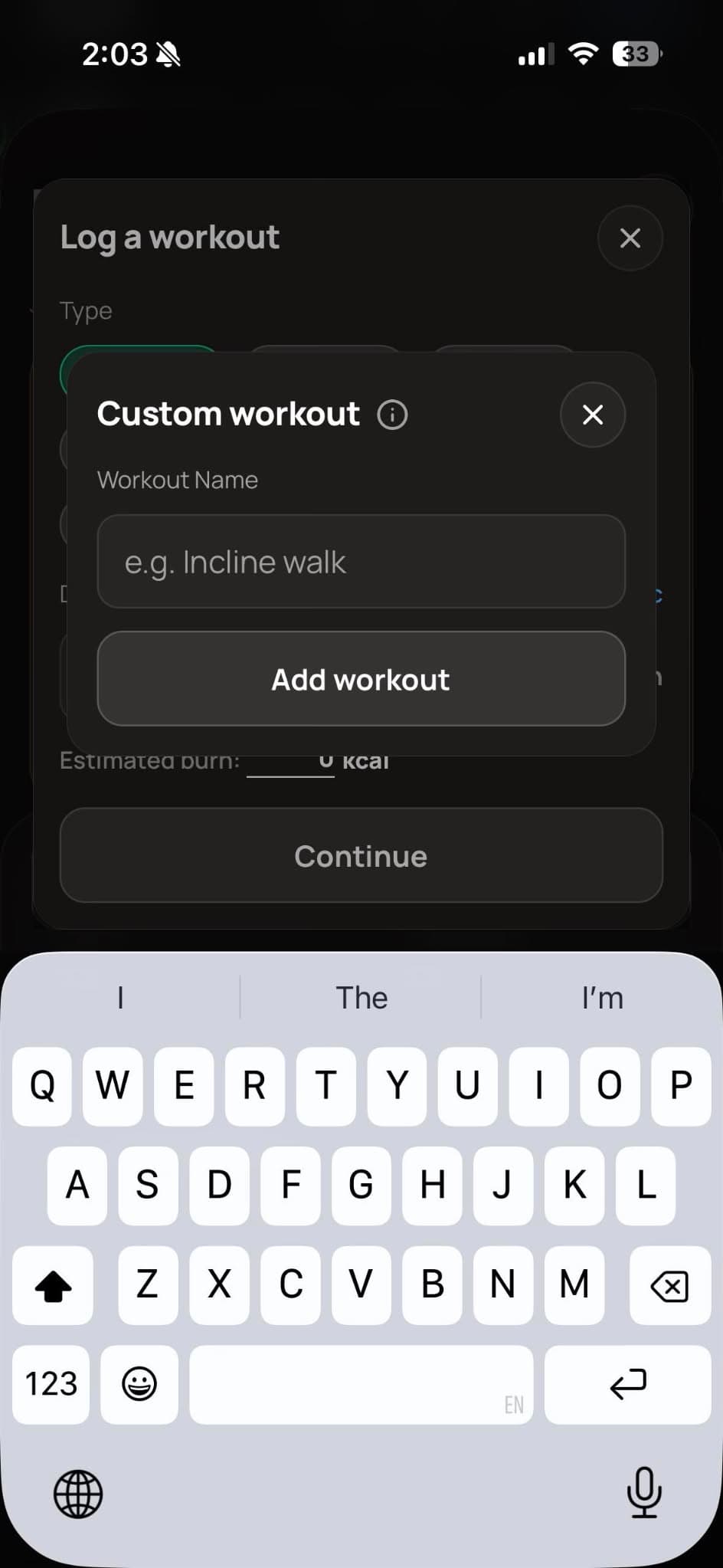
- Tap "Custom Workout".
- Add your custom workout. After typing in your workout, macro gives you a general estimated burned calories based on your height and weight.
If the estimated calories don't match your smartwatch data, you can edit the burned calories manually.