Logging running / walking
- Go to See Burned Calories.
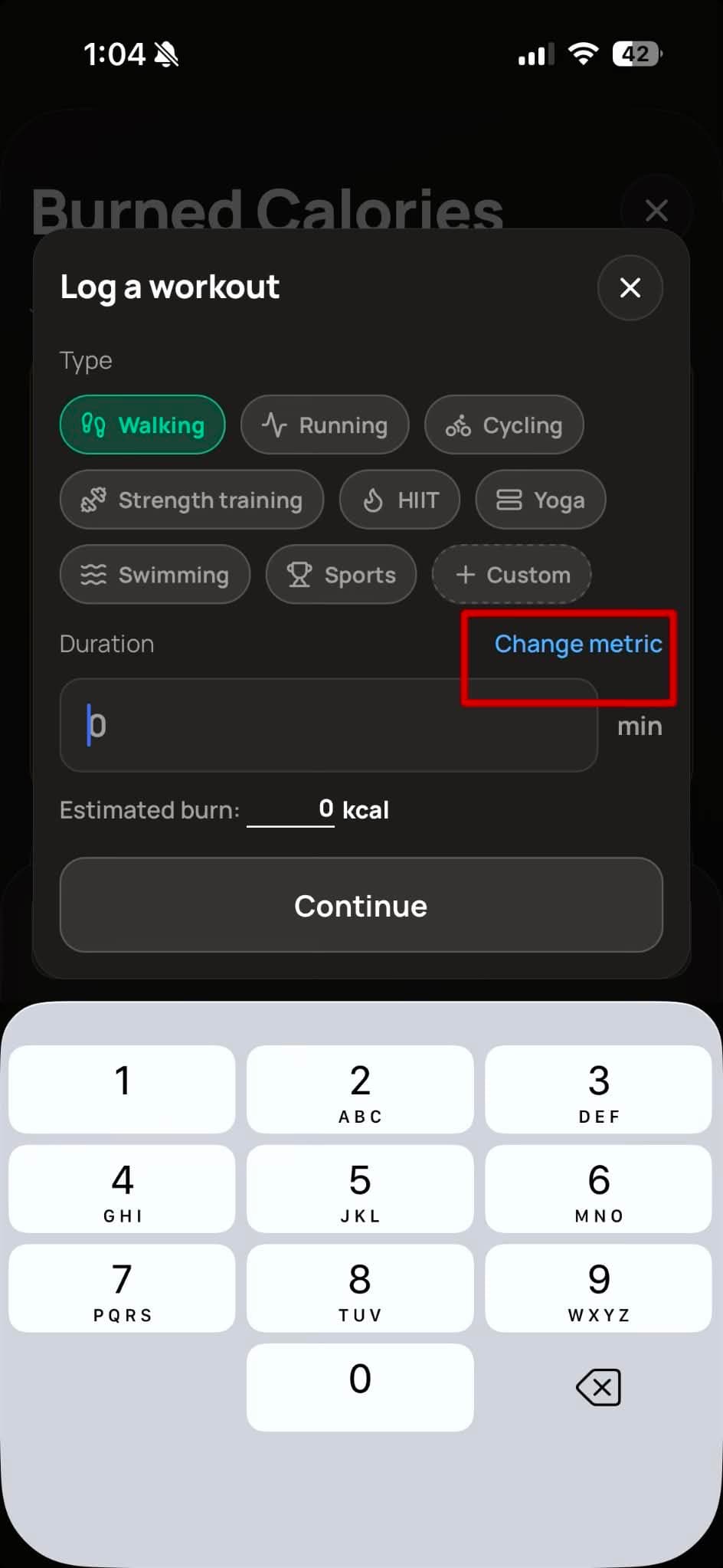
- Select Walking or Running. Once selected, you will see a "Change Metric" button.
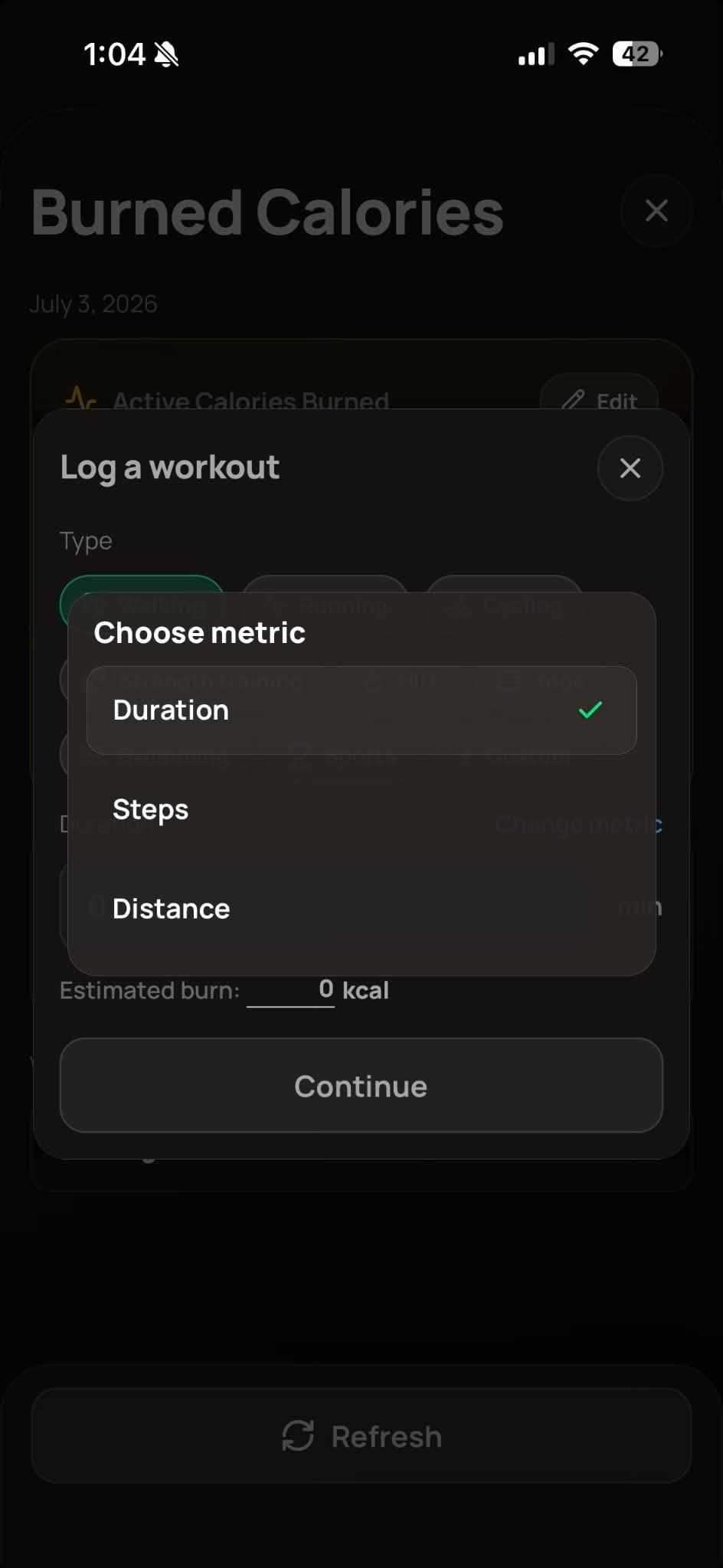
- Choose your preferred indicator: minutes, steps, or distance.
Note: When you select "Steps", the value is added to your step count.