
Main features
These are the main ways to log food in macro.
Open Home and tap + to log a meal.
1. Take Photo — Snap a photo of your meal to estimate calories and macros.
- Take photos from 6–12 inches away.
- Some users weigh food on a scale before photographing.
- Photograph the nutrition facts label when available.
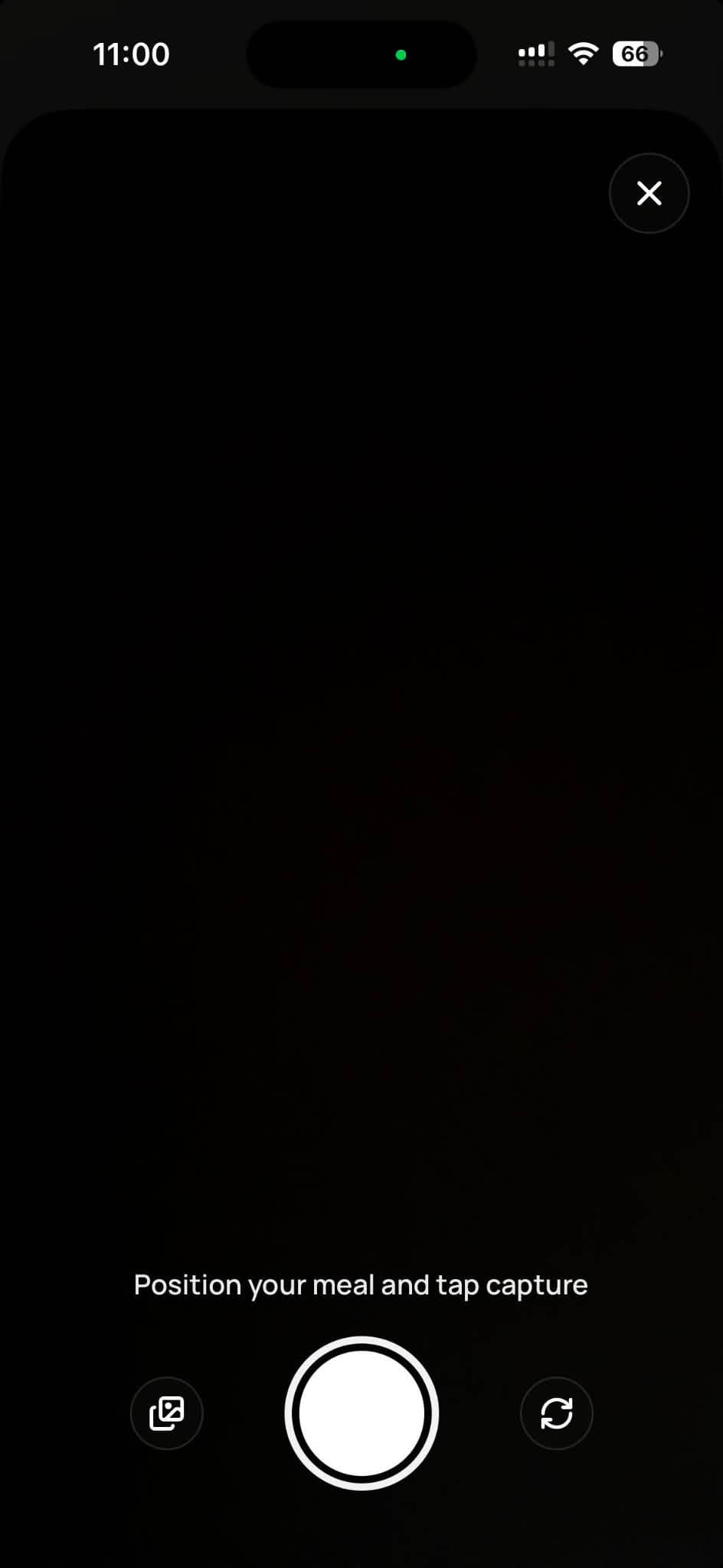
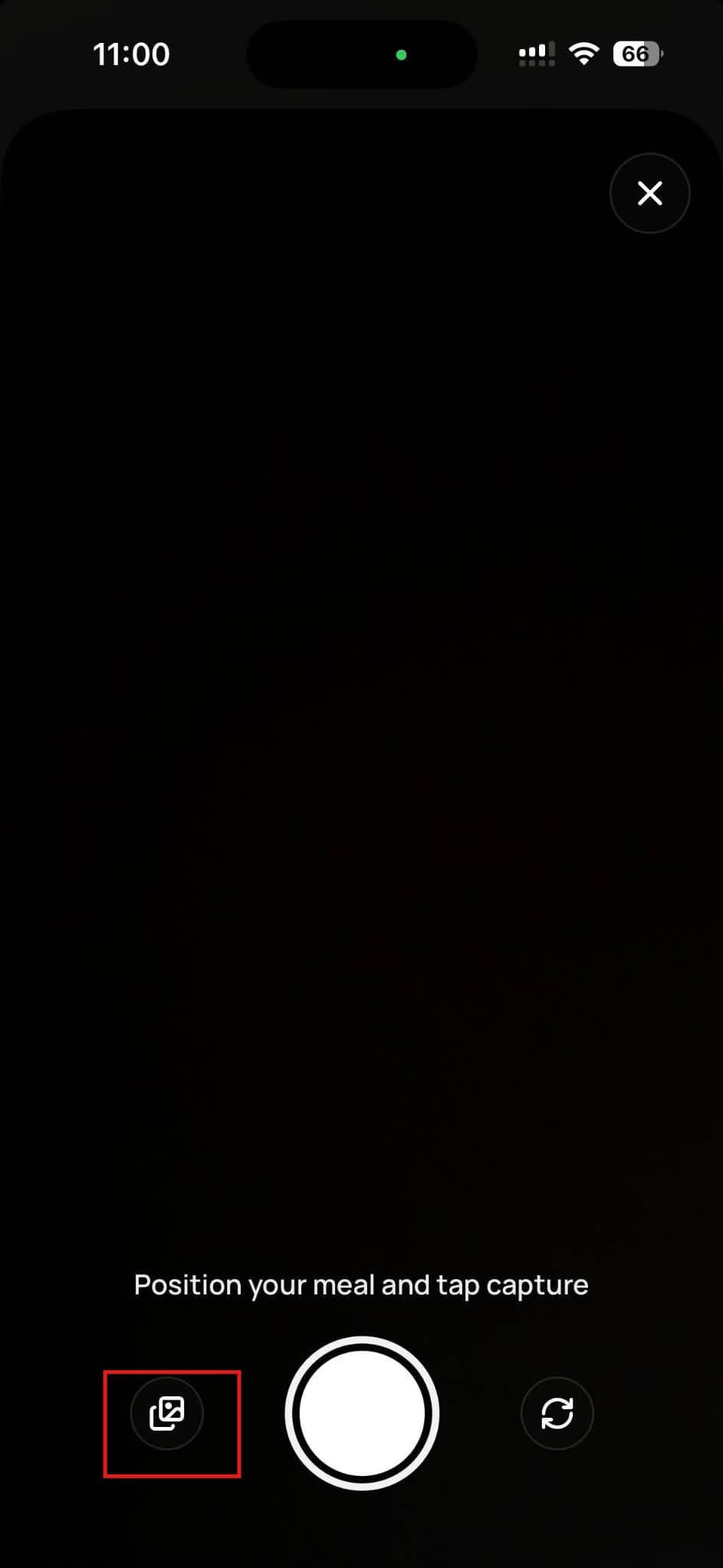
You can also upload a photo if you took one earlier and forgot to log it at the time.
2. Nutrition label — Photograph the nutrition facts on packaged food.
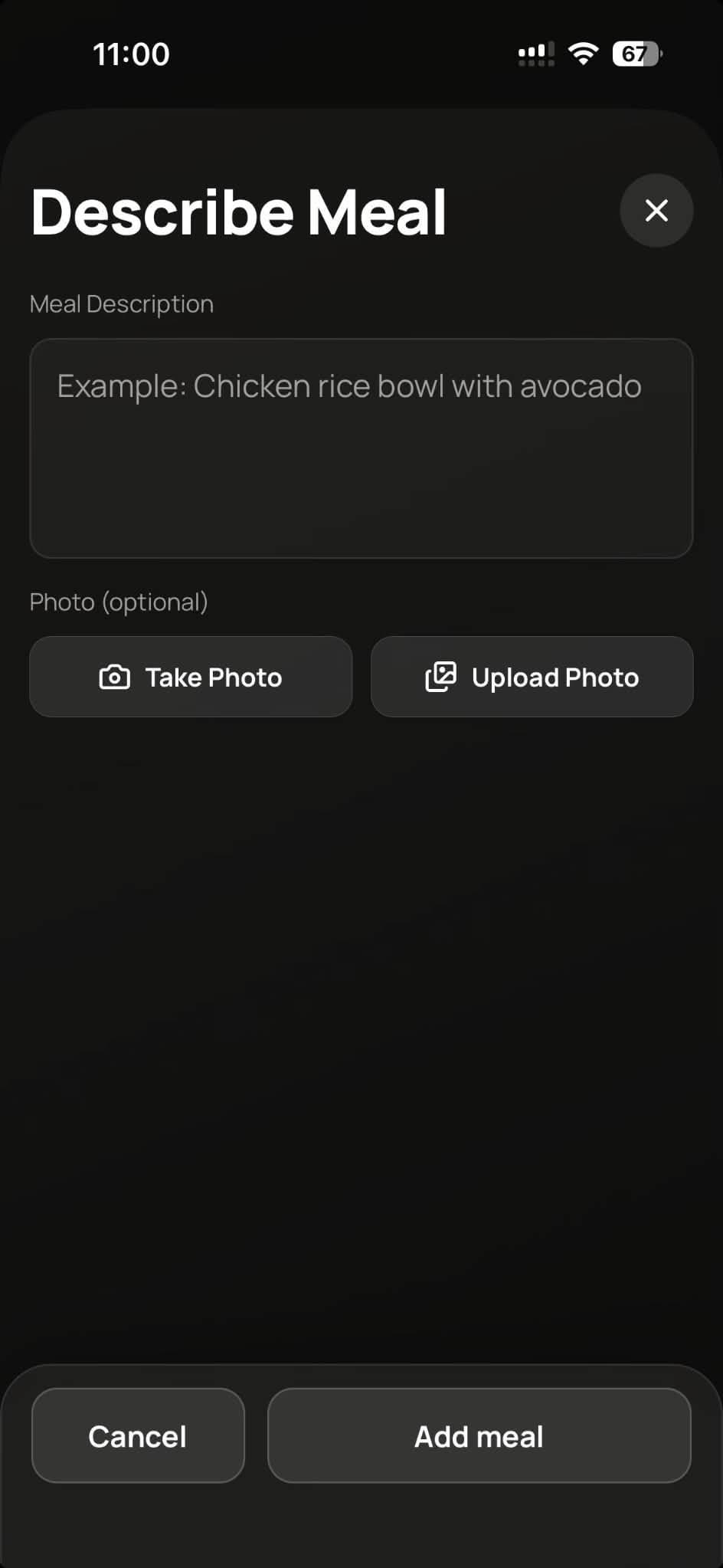
3. Describe Meal — Estimate calories without a photo. You can also attach a photo for a more accurate estimate.
- One line per ingredient
- Use valid units (g, oz, ml, cups, pcs)
- Example: 150g rice, 100g chicken breast, 10ml cooking oil
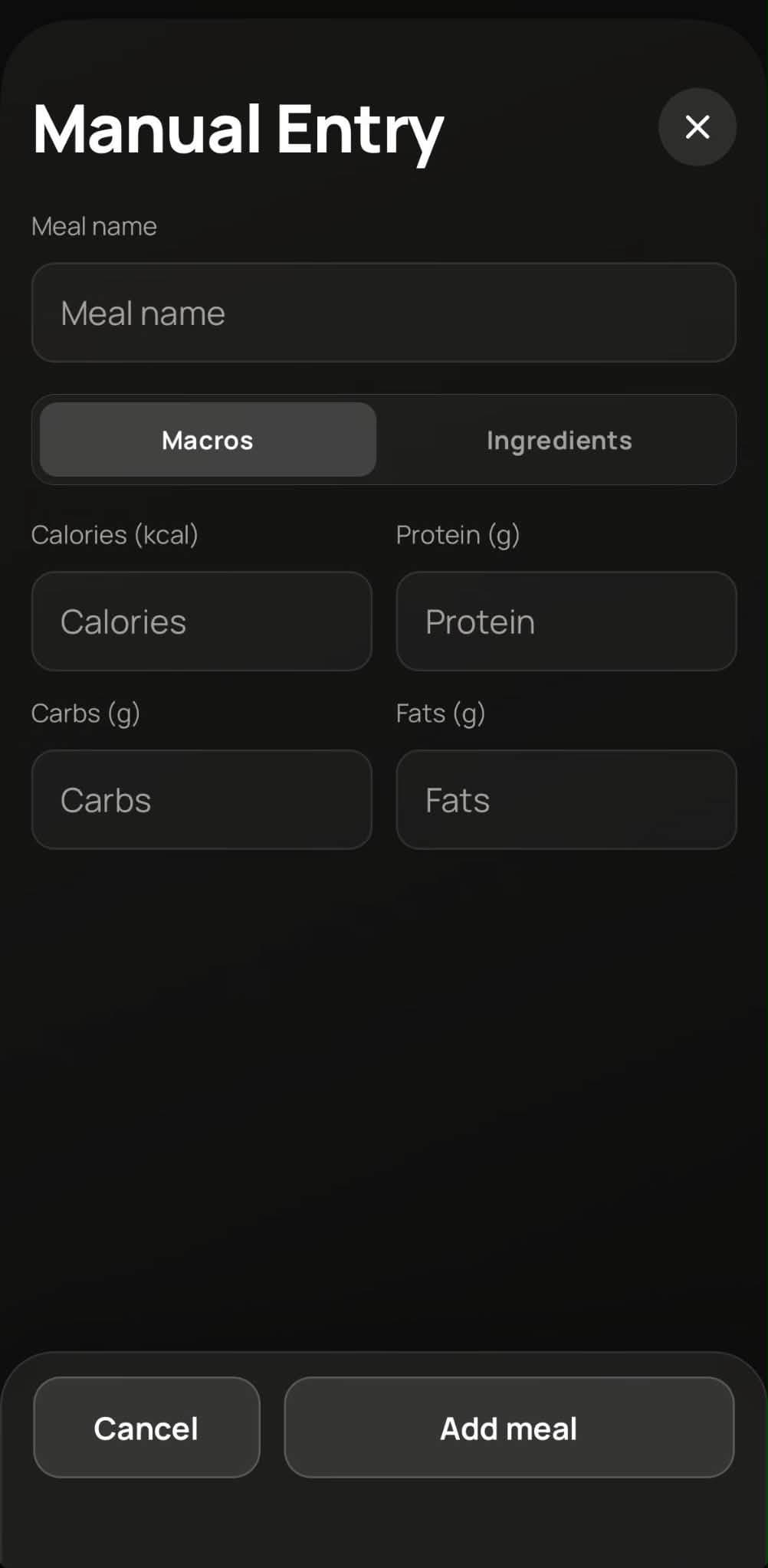
4. Manual — Log a meal from its ingredients.
5. Search — Find foods from your previously logged meals.
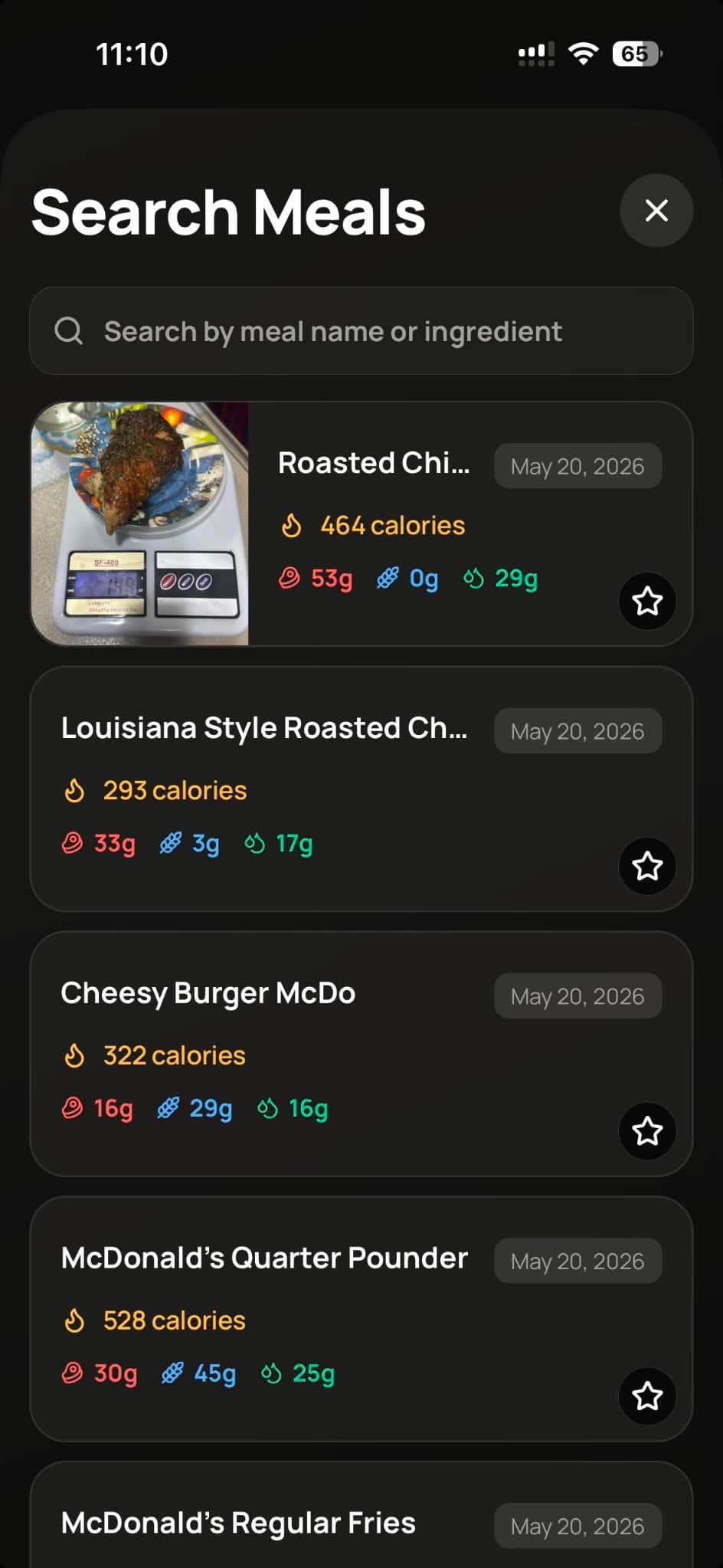
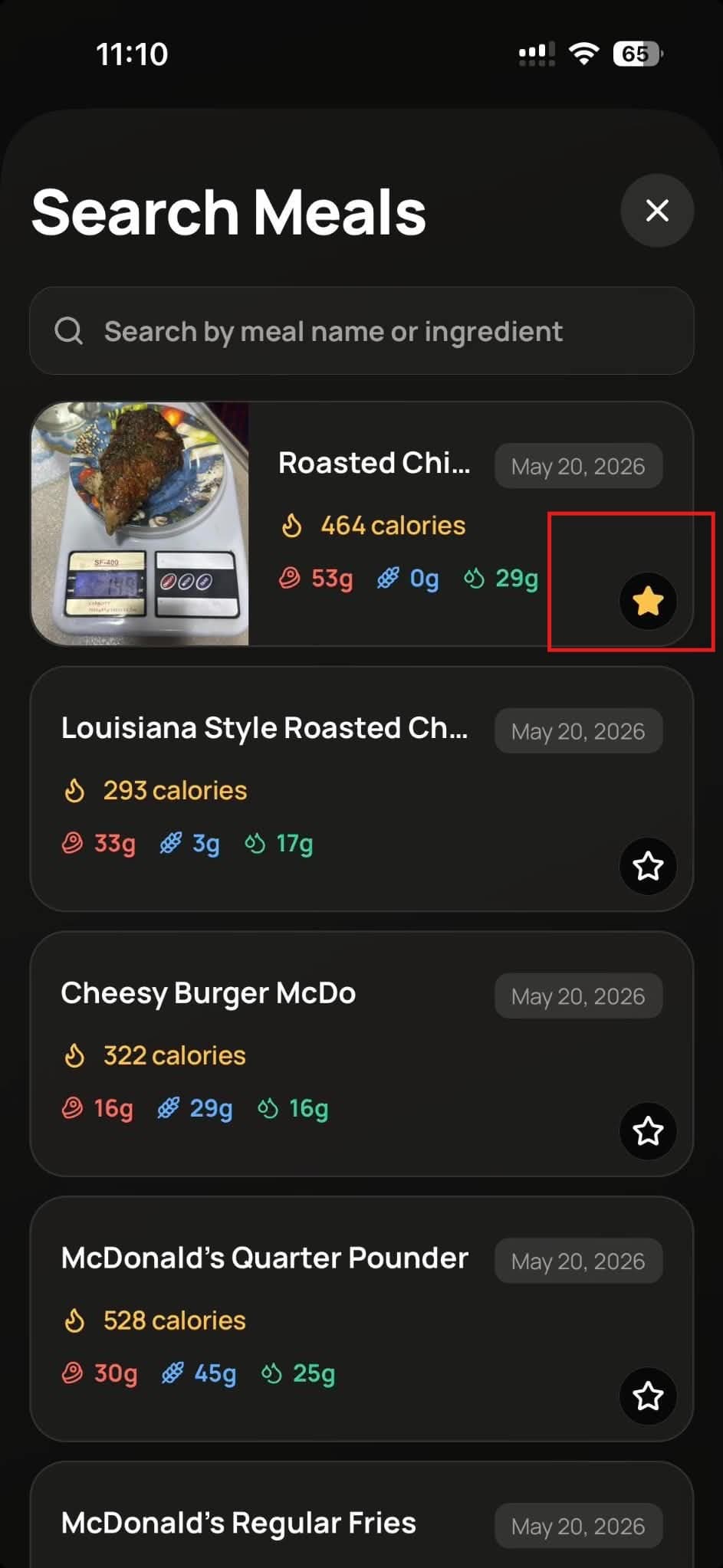
Favorites — Pin meals to the top of your search meals list.
Select — Choose several meals and log them together.