
Progress charts
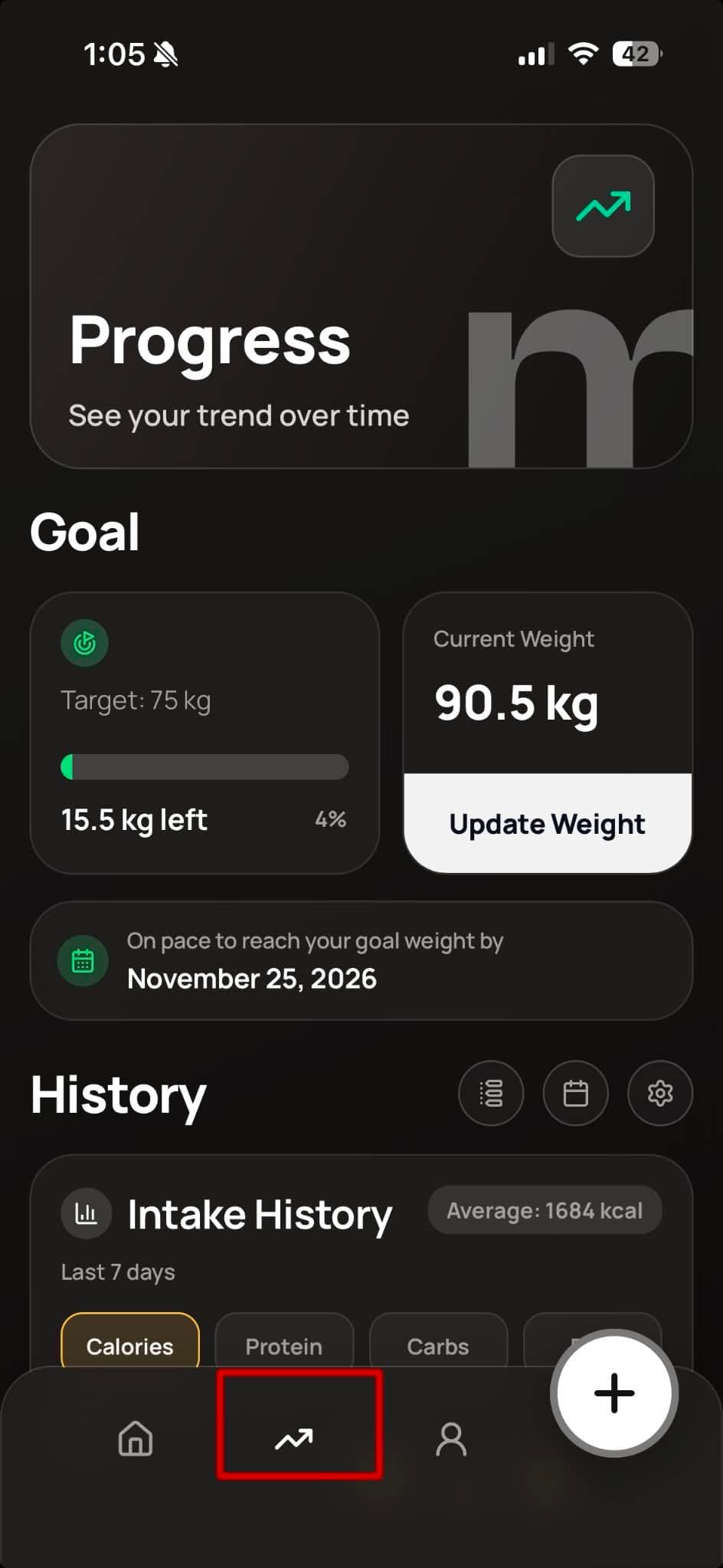
Open the Progress tab. Charts for BMI, weight trend, intake, and more are under the History heading.
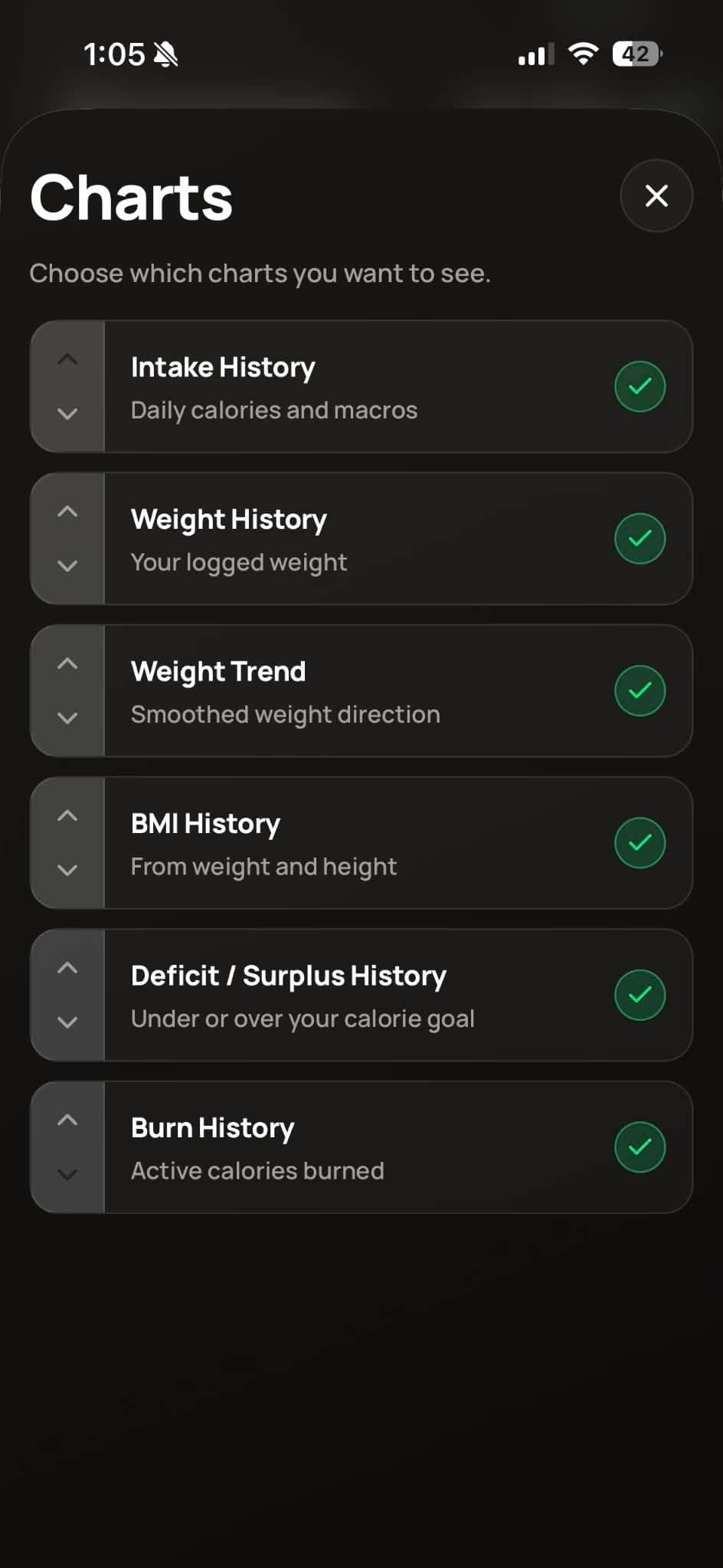
To rearrange them, open Profile, tap Customizations, then Advanced Settings, then Charts.
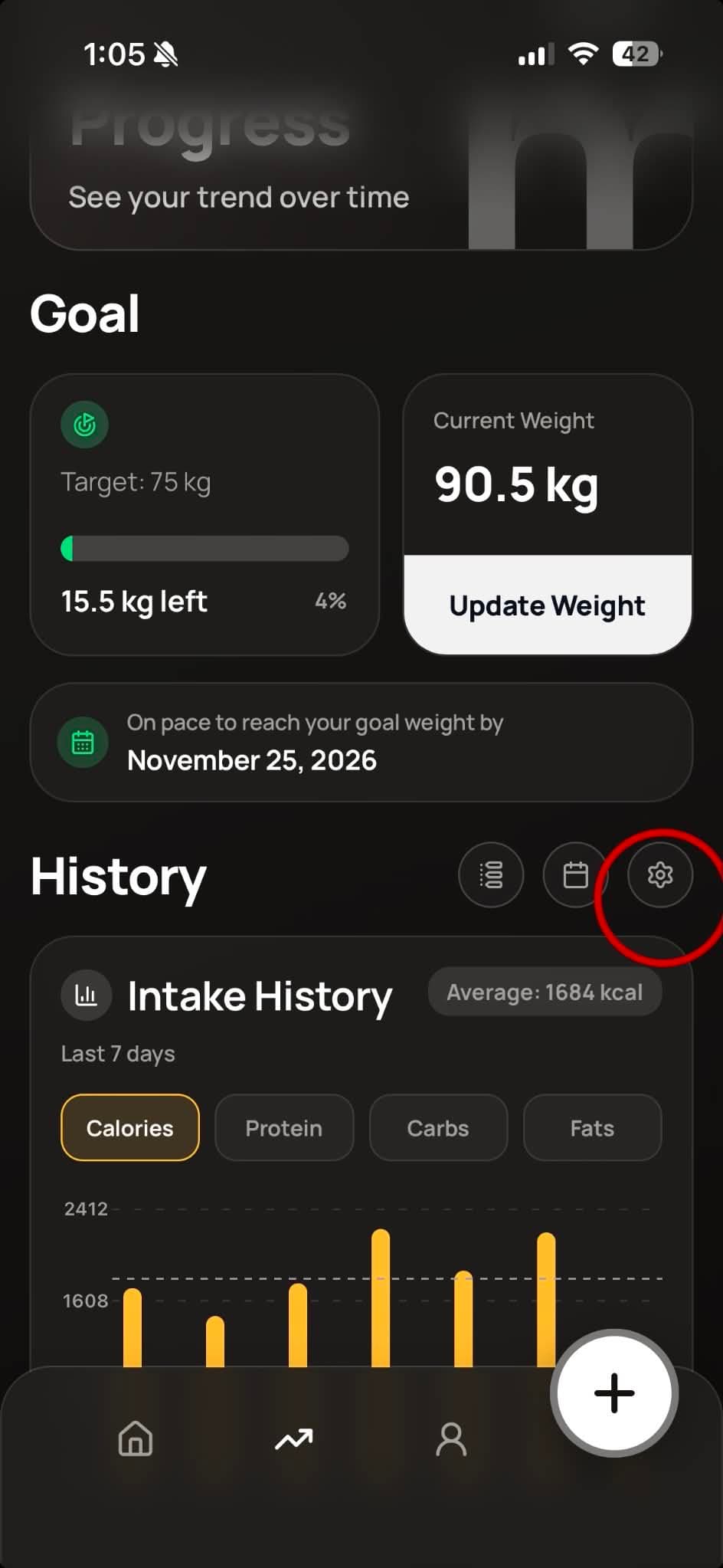
Open the Progress tab. Charts for BMI, weight trend, intake, and more are under the History heading.
To rearrange them, open Profile, tap Customizations, then Advanced Settings, then Charts.