
Food & recipes
Describe or enter a meal
Log food with a written description or enter nutrition you already know.
Home → + → Describe or Manual
On this page
Describe
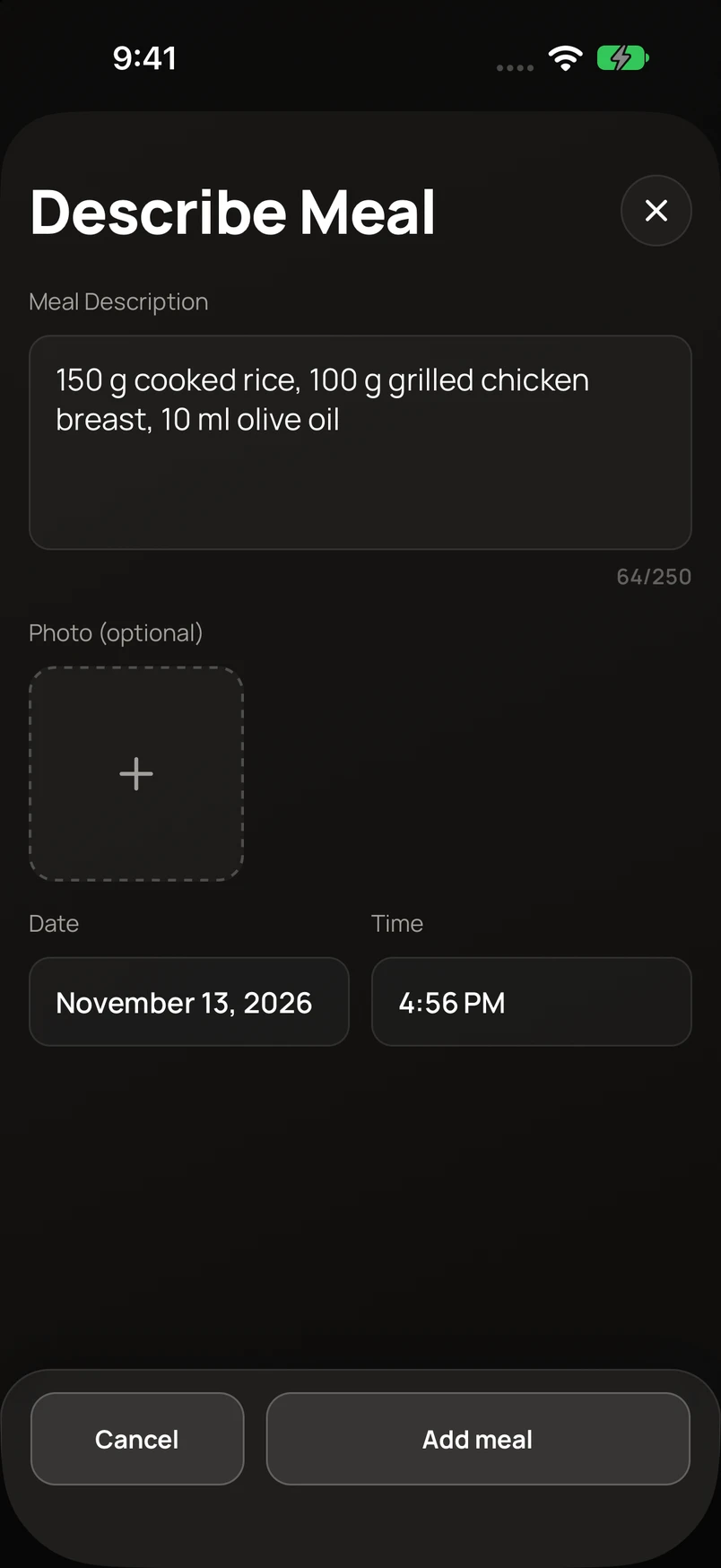
- Choose Describe and enter the meal with quantities and units.
- Include preparation details and extras such as oil, dressings, or drinks.
- Tap Add meal. When the estimate finishes, open the logged meal to review and correct the ingredients and portions.
For example: 150 g cooked rice, 100 g grilled chicken breast, and 10 ml olive oil. Clear quantities are more useful than a description such as “one plate of chicken.”
Manual
Choose Manual when you know the nutrition. Enter the meal details and ingredients, check calories and macros, and save. Keep the serving amount consistent with the nutrition values you enter.