
Food & recipes
Recipes & collections
Build reusable recipes, discover ideas, and log the portion you eat.
Home → + → Recipes
On this page
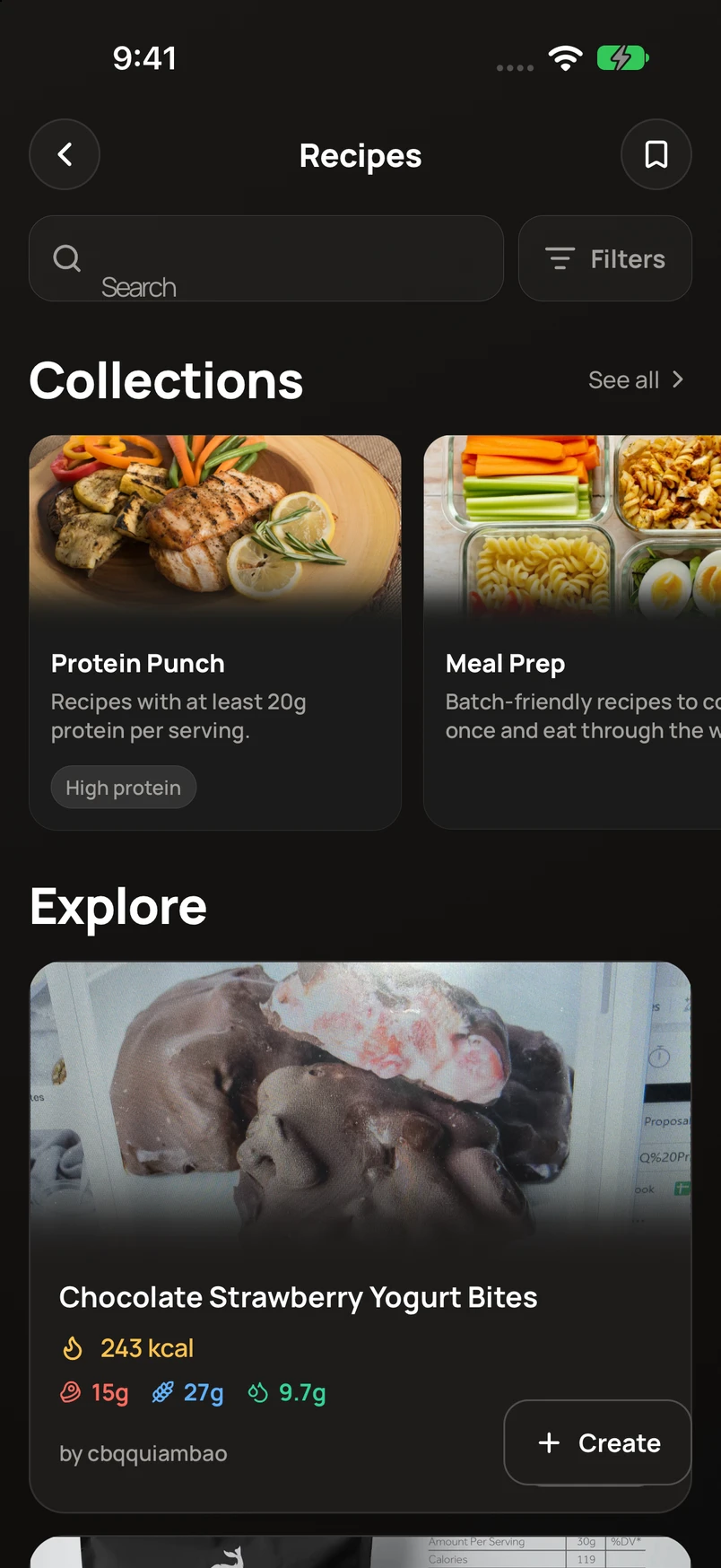
Create a recipe
- Open Recipes and use the create action. Choose Manual, Describe, or Take photo.
- Review the ingredients and quantities, then add preparation details and a photo if you want.
- Check the recipe’s servings before saving it to your library.
Log a serving
- Open a recipe and choose its logging action.
- Set the serving amount you ate and confirm the day.
- Save and check the new meal on Home.
Keep recipes organized
Use collections to group recipes. You can also discover community recipes, save the ones you like, and share a recipe from its options.