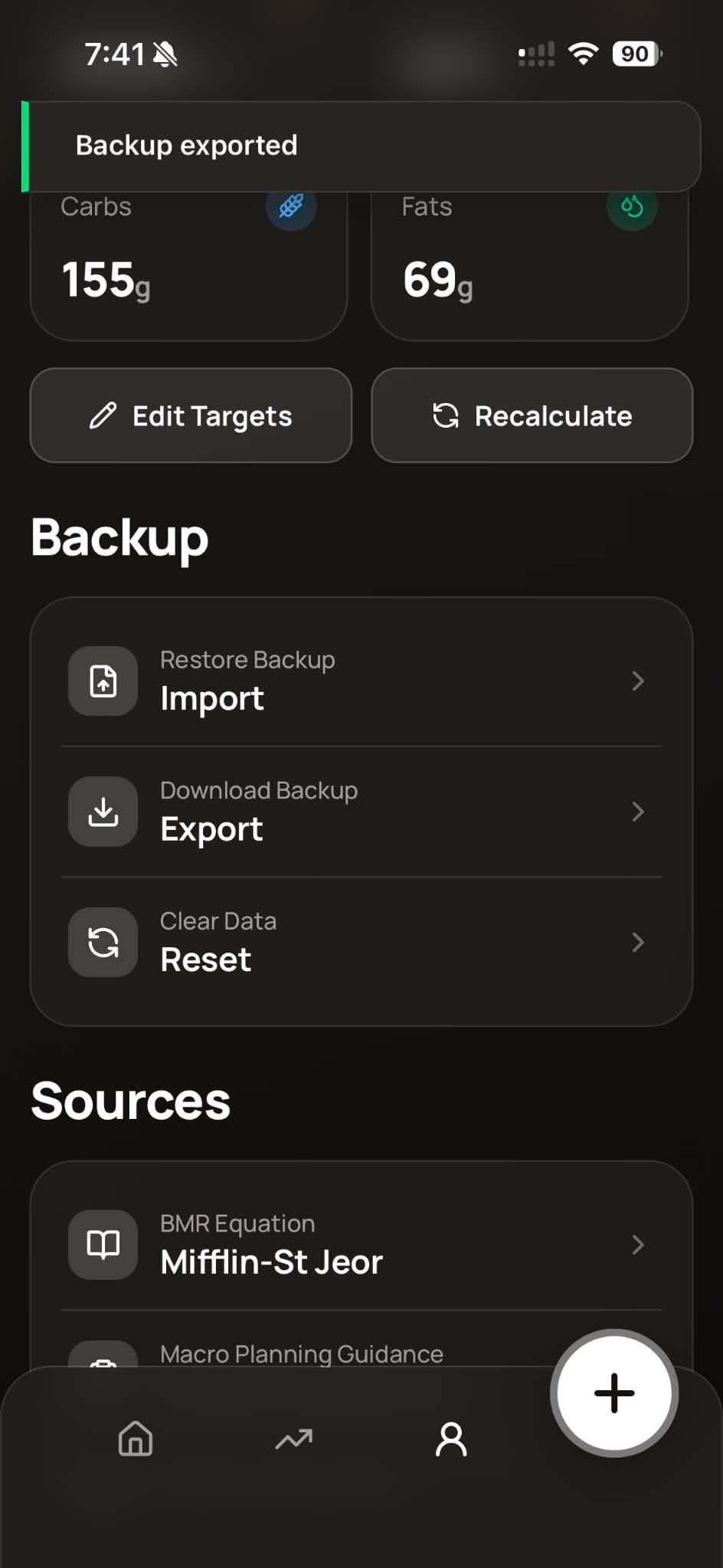
Backup & import
Download or upload a CSV with food logs, weight entries, and settings.
- Import — Upload your own CSV or one you exported from macro.
- Export — Download your data as a CSV file.
- Reset — Clears all app data (also called Clear Data).
Switching from another tracker? Convert MyFitnessPal, MacrosFirst, Cronometer, Lose It, MacroFactor, or FatSecret exports into macro.csv from the free tools on the website, then import that file here.