
Workouts & health
Record a walk, run or ride
Track a live activity with a timer and optional distance and route.
Workout → Walk, Run or Ride
On this page
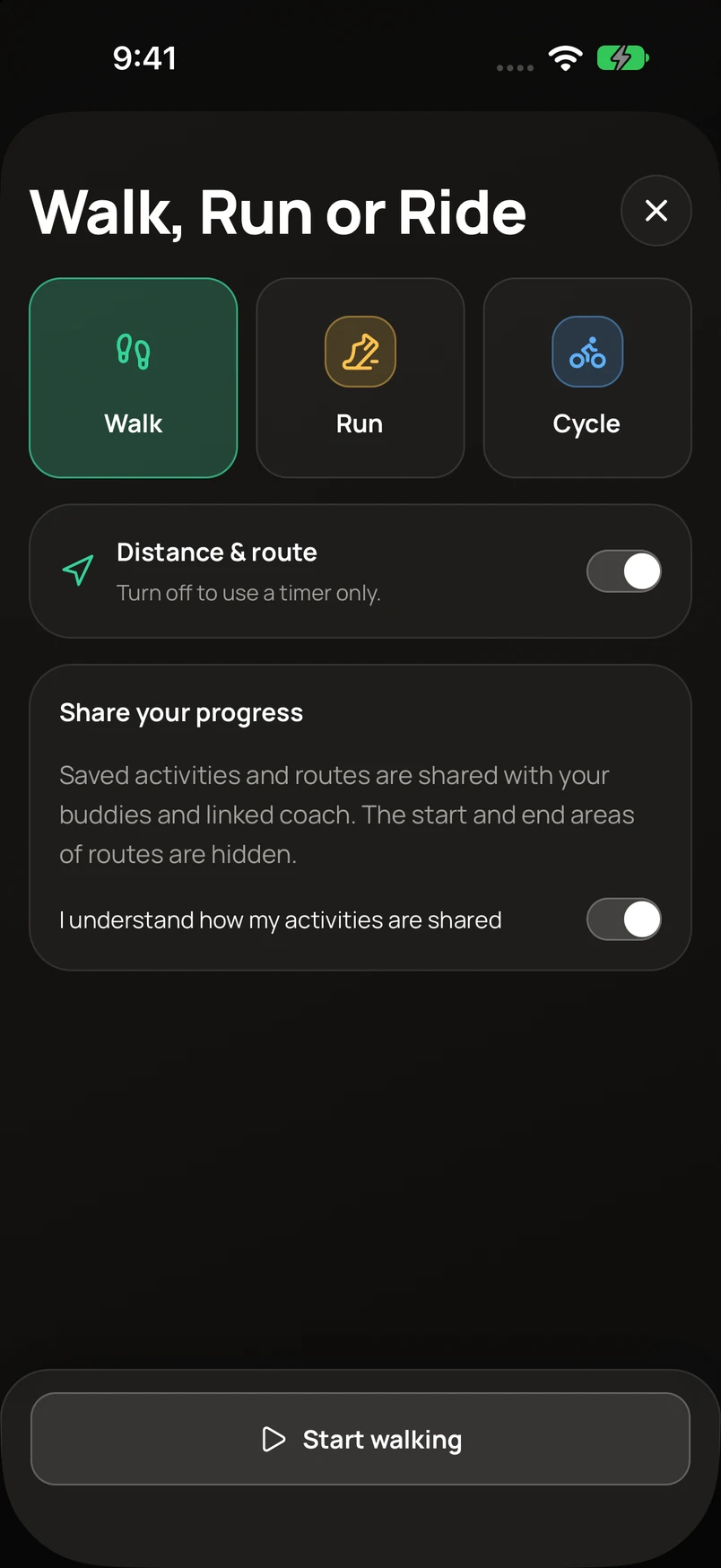
- Open Walk, Run or Ride and choose Walk, Run, or Cycle.
- Keep Distance & route on for GPS tracking, or turn it off for a timer-only session.
- Read the activity sharing notice and make your selection before starting. Allow the location access needed for GPS recording when prompted.
- Start the activity. Use pause and resume when needed, then finish, review, and save.
If GPS is waiting
Move outdoors with a clear view of the sky and check the app’s location permission. A timer can run before usable GPS points arrive; distance and a route need location data.