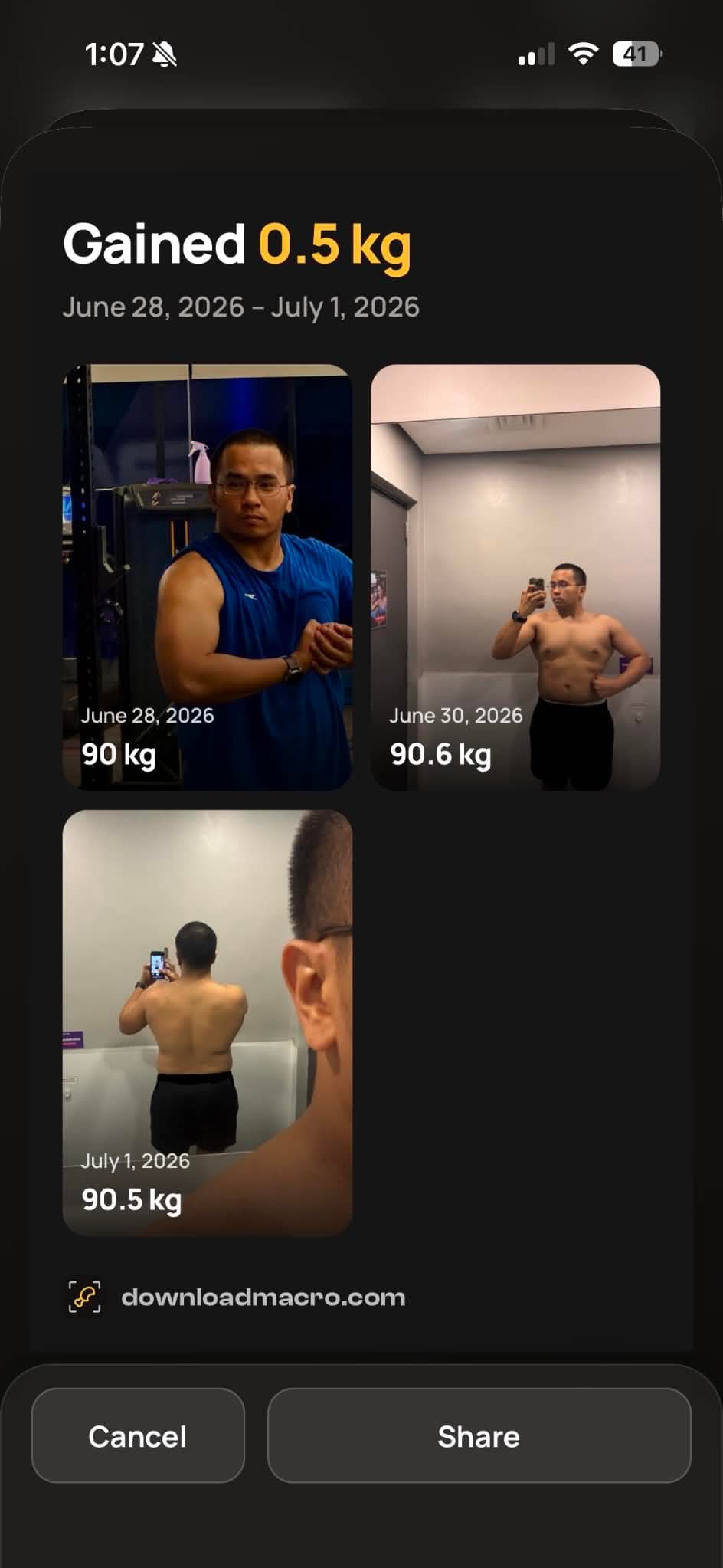
Timeline & share progress
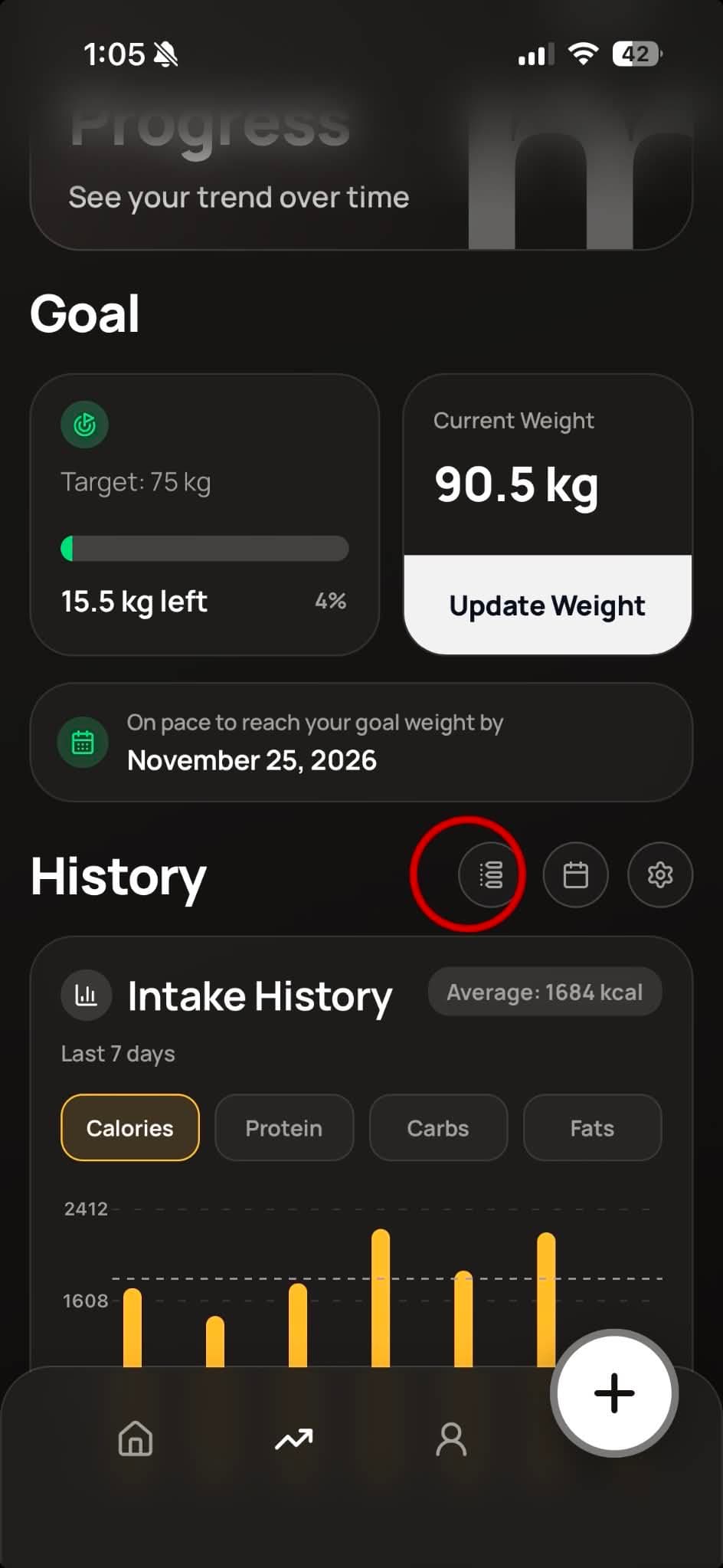
Open the Progress tab. Next to the History heading, tap Timeline to open your weight history.
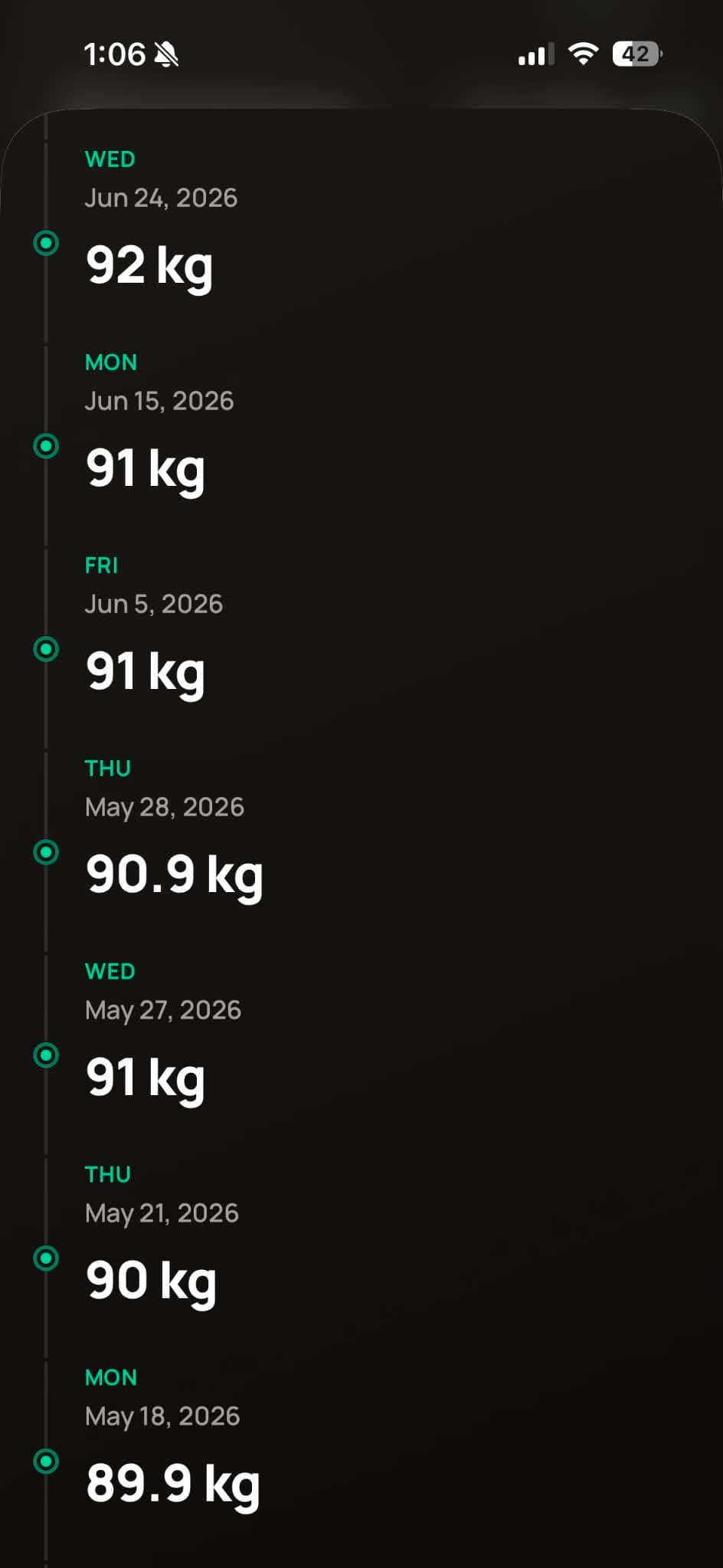
Tap a log to add photos.
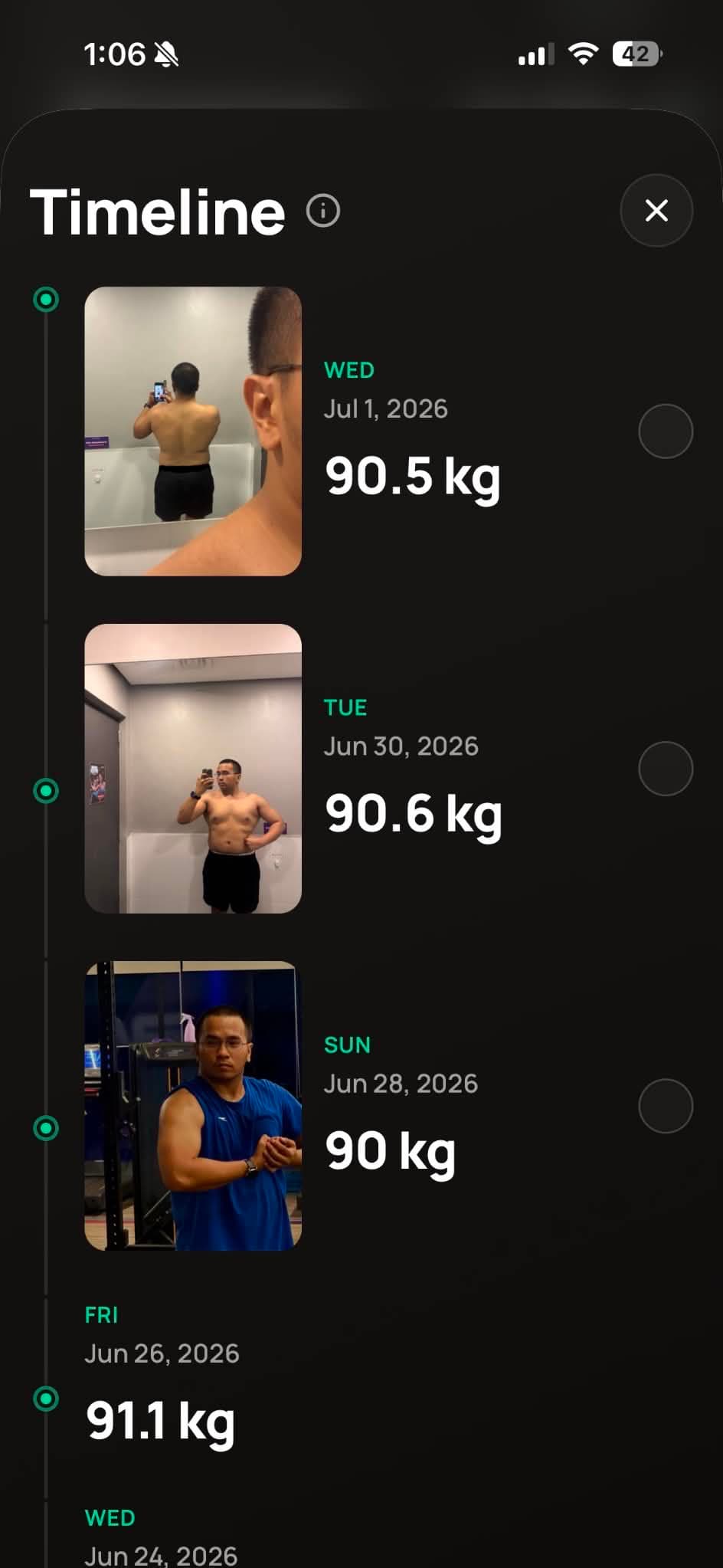
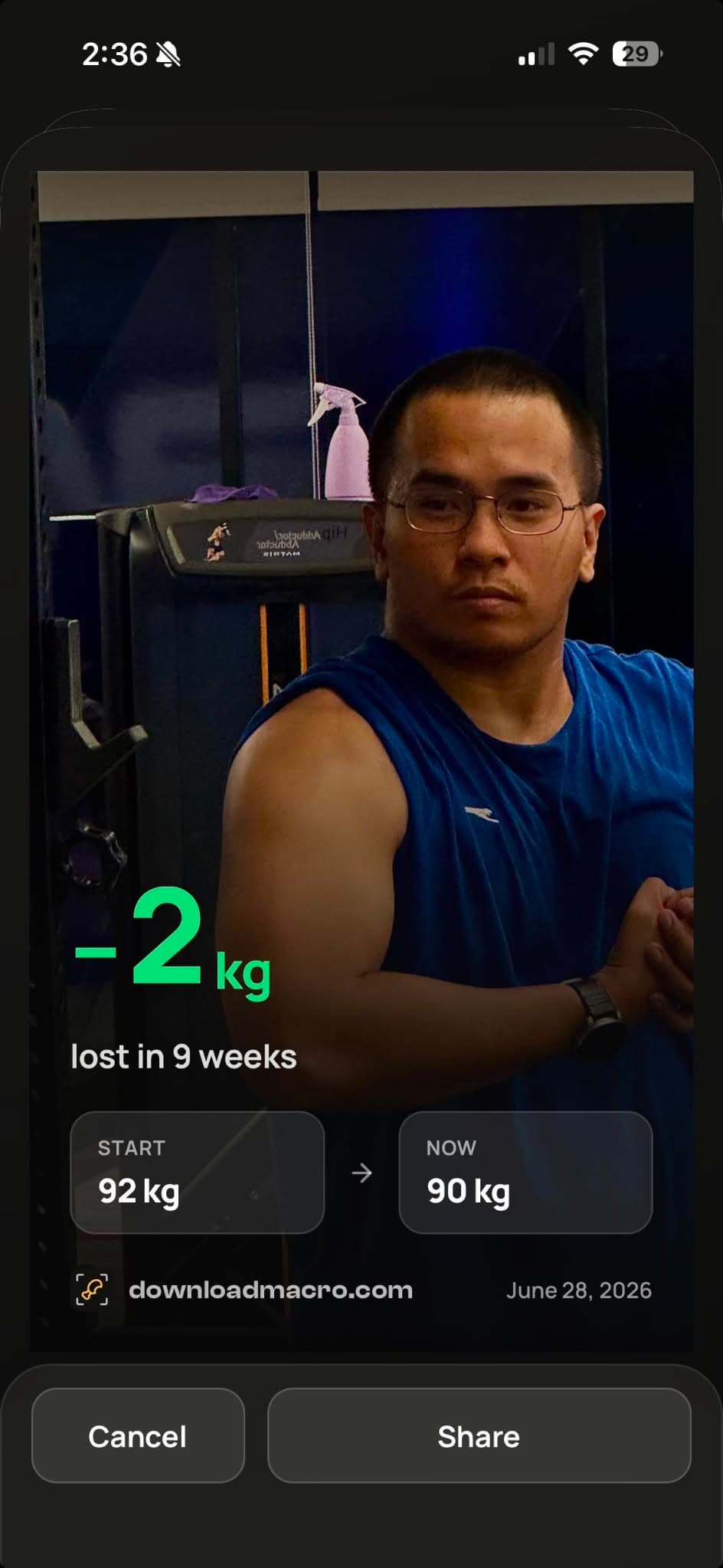
Tap an image to share your progress.
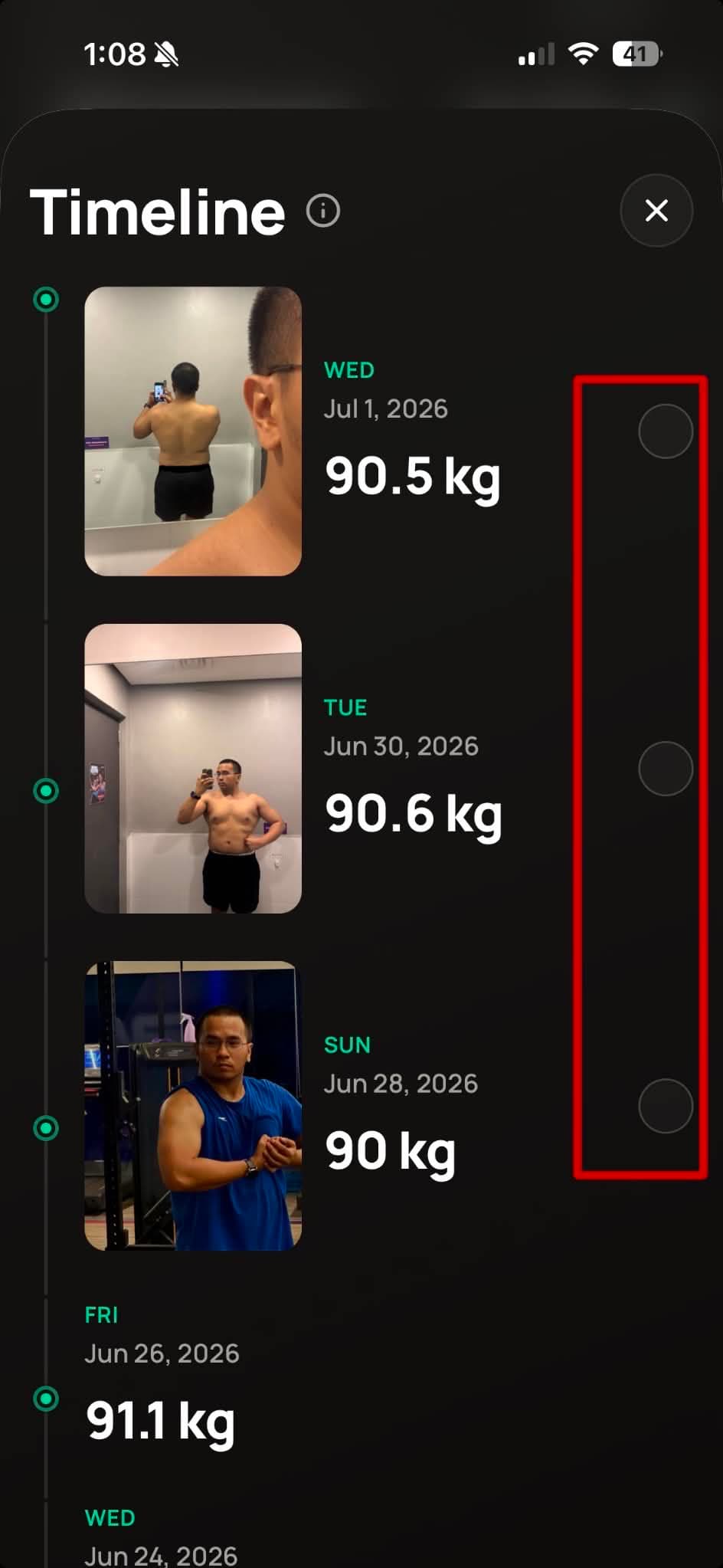
To create a collage, return to the timeline view, tap the empty circles, and select the photos to include.
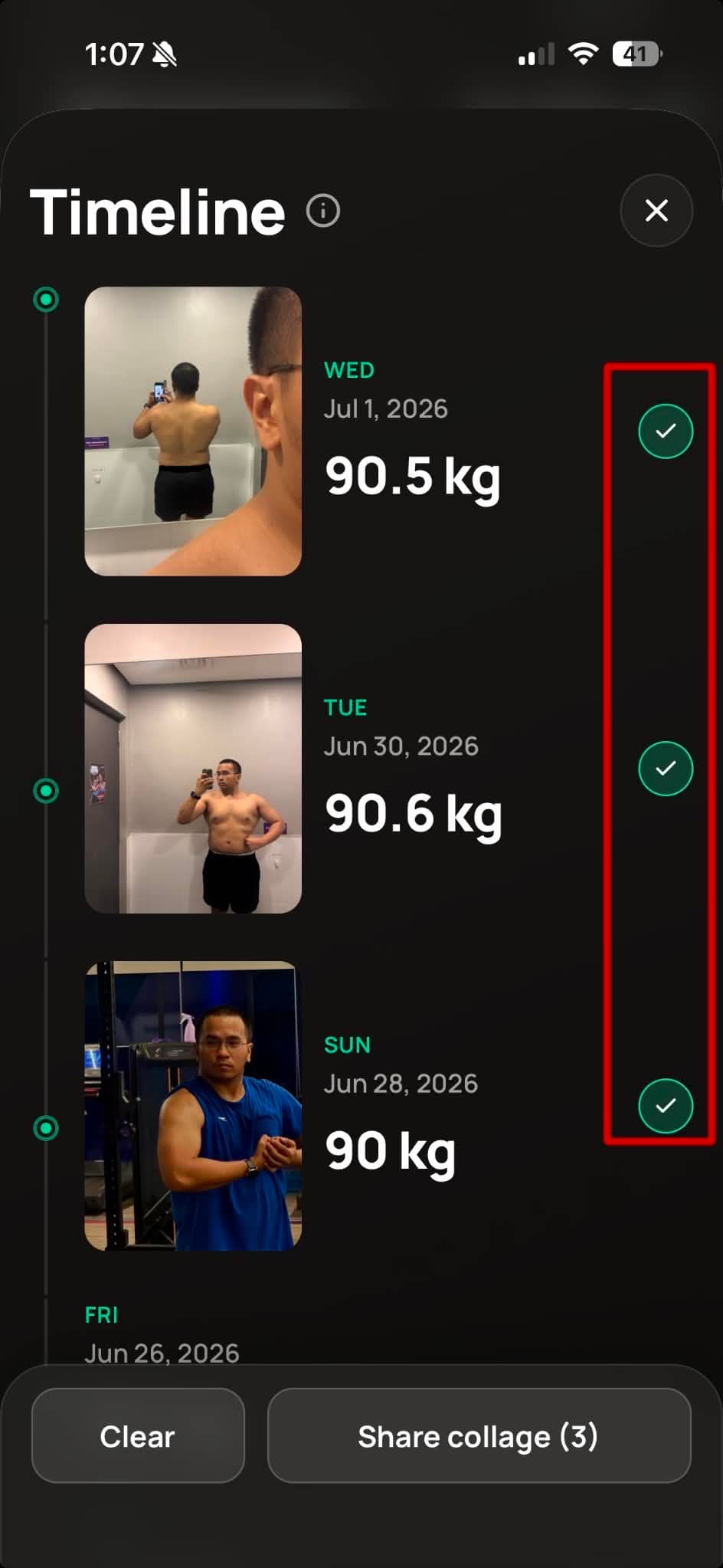
Once you've selected the images, tap "Share Collage".