
Meal logging
How to log your portion of a shared ulam
Weigh the cooked batch and your own bowl of ginisang munggo, then turn 150 g into 0.75 servings in macro without changing the recipe.
By macro ·
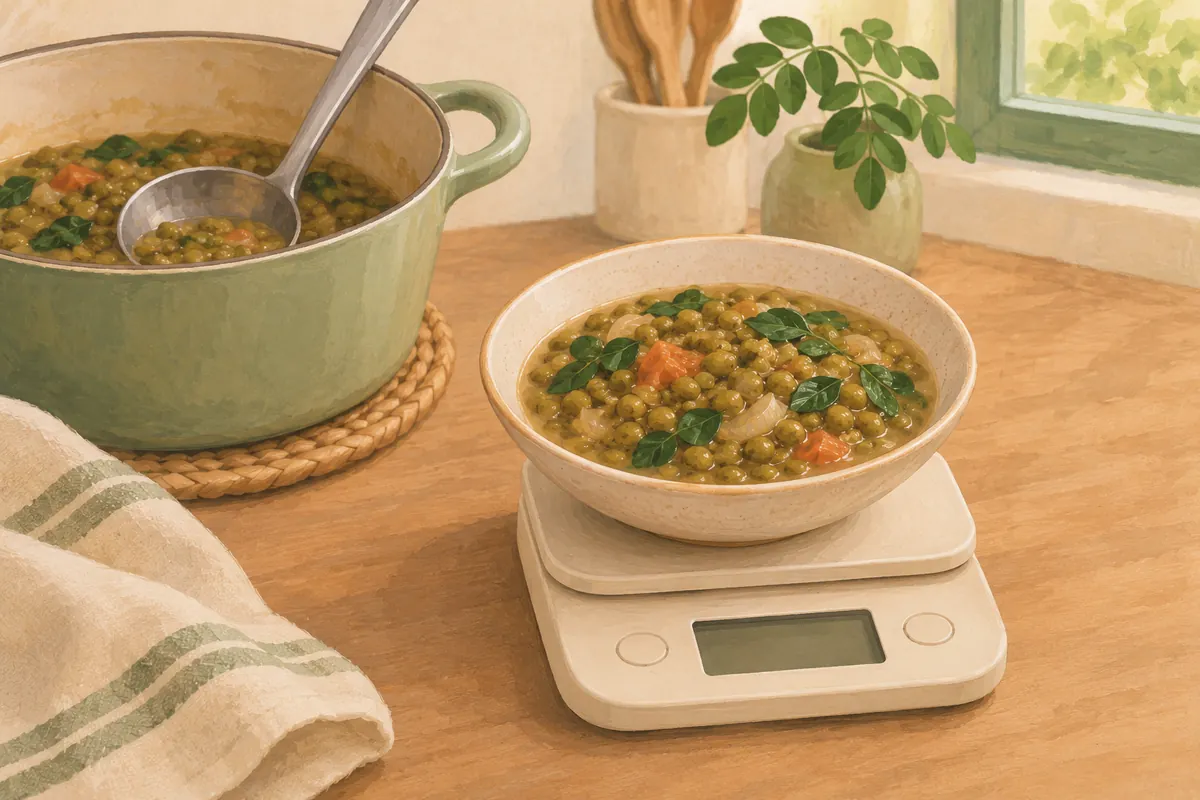
Weigh the cooked batch before serving
If everyone is eating from the same pot, you don’t need to guess how many ladles count as a serving. Weigh the finished ulam, then weigh the amount in your bowl. Divide your bowl’s weight by the cooked weight of one recipe serving.
Set an empty container on the scale and tare it to zero before adding the cooked food. If the whole batch won’t fit safely, weigh it in smaller batches and add the weights. Count the broth or sauce you’ll serve, but leave out bones and anything you discard. When building the recipe, include the oil and other ingredients that stay in the dish, and match each ingredient entry to the way you weighed it, such as dry mung beans versus cooked mung beans.
A 150 g bowl of ginisang munggo
Suppose the finished pot of ginisang munggo weighs 800 g without the container. You choose four recipe servings, so one serving is 800 ÷ 4 = 200 g cooked. If the food in your tared bowl weighs 150 g, divide 150 by 200. Your bowl is 0.75 servings. These weights are an example, not a standard serving size or calorie count for munggo.
Stir before serving so the beans, greens and broth are reasonably well mixed. A ladle mostly full of broth and a ladle heavy with beans can weigh the same but have different nutrition. If you add chicharon or eat kanin on the side, log those separately unless they are already included in the saved recipe.
Save the batch once, then log your bowl
In macro for iPhone, with the default logging shortcuts, go to Home → + → Recipes → New recipe → Create manually. Add the ingredients for the whole pot, set Total servings to 4, add a photo of your finished dish, then tap Save recipe. You don’t need to publish it to Community.
If you’re logging an earlier meal, select its diary day on Home before opening Recipes. Open your saved recipe, tap the number under Your portion, and type 0.75. The minus button won’t take the default of 1 below 1. Tap Log 0.75 servings, then check the entry on Home for the day you selected. If you see an optional share prompt, you can skip it.
The gram hint in macro is based on the weights entered for your ingredients and the recipe’s serving count. It may not match the cooked weight on your scale. Use 150 g to do the math, but enter 0.75 in Your portion. That field starts at 1 when you reopen the recipe, so check it each time you log.
Change your portion, not the whole recipe
If you have a bigger bowl or go back for seconds from the same batch, weigh what you eat and adjust Your portion. Total servings describes the whole recipe’s yield, not what went on your plate. If the next pot cooks down to a different weight, reweigh it and divide by the saved serving count before logging. If the ingredients changed, update the batch recipe too.