
Meal logging
Photo, Describe or Manual: which food log should you use?
Choose a logging method in macro based on what you know: a photo of your plate, details like cooked rice weight, or nutrition from a label.
By macro ·
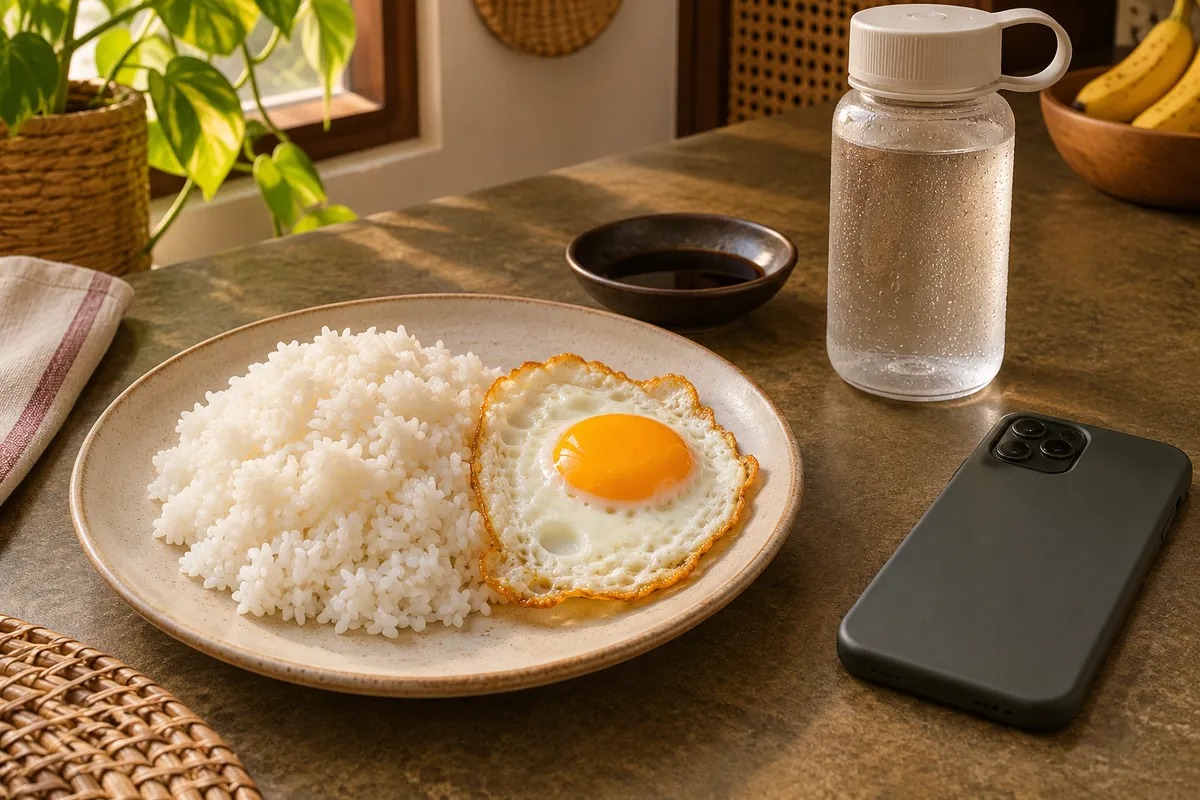
Start with what you know about the meal
Use Take Photo when the plate is your best clue. Use Describe when you know a portion, ingredient or cooking detail the photo can’t show. Use Manual → Macros when you already have the nutrition numbers for what you ate.
Take Photo when you can see most of the meal
At a carinderia, you might know what’s on the plate but not how the cook made it. In macro, open Home → + → Take Photo. Include the whole plate so the rice, egg and side dishes are visible. Open the logged meal afterward and check what was identified and how much was estimated.
If macro misidentifies an item on a meal logged with a photo, you can swipe left on the meal on Home and use Clarify when available. Say what to fix, such as “That’s one fried egg and half a cup of cooked rice.” Submit and review the result. When you already know the values you want to change, use Edit instead.
Use Describe when the photo leaves out important details
A picture can show a fried egg and kanin. It can’t tell how much rice you weighed or how much sauce you left behind. From Home → + → Describe, type what you actually ate in Meal Description. For example: “100 g cooked rice, one fried egg, and I ate half the sauce.” If you have a photo, add it under Photo (optional) on iPhone. Tap Add meal to send the text and photo together. If macro asks a follow-up, answer it, then reopen the entry when the estimate is ready.
You can also use Describe without a photo. If you know how a dish was cooked, include that detail and write down any extras you ate. Leave out claims about amounts you didn’t measure or couldn’t reasonably estimate.
Use Manual when you have the nutrition numbers
Suppose a fictional 500 mL bottle lists 110 kcal, 4 g protein, 10 g carbs and 6 g fat per 250 mL serving. The bottle contains two servings. If you drink 375 mL, that’s 375 ÷ 250 = 1.5 servings. Multiply each label value by 1.5: log 165 kcal, 6 g protein, 15 g carbs and 9 g fat. The whole bottle would be 220 kcal.
In macro, open Home → + → Manual. Switch to Macros if Ingredients is selected. Name the entry, type the totals for the amount you drank, tap Add meal, and reopen it to check. These are example label values, not a claim about a real drink. For a label that lists values per 100 mL, divide your amount by 100 mL instead; for values per bottle, use the fraction of the bottle you drank.